

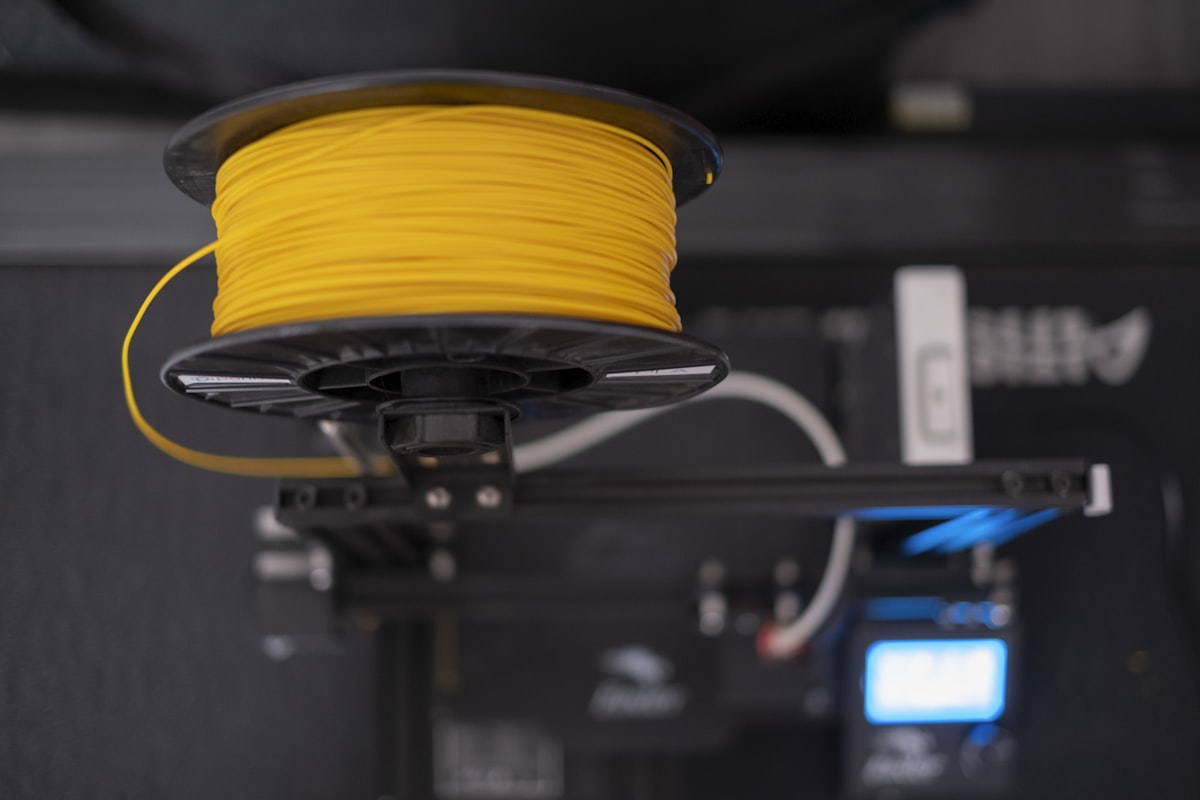
Finding the best filament for Bambu A1 Mini is the first question every A1 Mini owner faces — and the answer is different from other Bambu printers because the AMS Lite has its own compatibility rules. Not every spool fits the cradle, not every material feeds reliably, and the wrong choice wastes filament, clogs the system, or produces prints that look clean but fail under stress.
FilamentPicks is reader-supported. Some links on this page are affiliate links — as an Amazon Associate we earn from qualifying purchases, at no extra cost to you.
Last reviewed: August 5, 2026 · Recommendations checked against current manufacturer guidance and community reports.
This guide compares current manufacturer documentation, Bambu Studio profiles, and recurring owner reports for PLA, PETG, TPU, and specialty materials. Treat the settings as starting ranges and confirm the label or technical data sheet for your specific spool.
Quick Answer: Best Filaments for Bambu A1 Mini
Bottom line: The best filament for Bambu A1 Mini owners is PLA for everyday printing, PETG for tougher parts, and TPU from the external spool holder.
- Best PLA overall: Bambu Lab PLA Basic — RFID auto-settings, zero calibration, perfect AMS Lite compatibility
- Best current Polymaker PLA: Panchroma Basic PLA — current-generation everyday PLA with broad color availability
- Best PETG: Overture PETG — low stringing, AMS Lite compatible (with adapter), ideal for functional parts
- Best budget PLA: eSUN PLA+ — $18/kg, Bambu Studio preset available, reliable batch-to-batch consistency
- Avoid with AMS Lite: TPU (not compatible), ABS/ASA (needs enclosure), any cardboard spool without adapter
👉 See also: best PLA filaments for Bambu Lab.
Understanding the Bambu A1 Mini AMS Lite Before You Buy Filament
The AMS Lite is not the same as the full Bambu AMS. It’s a simplified 4-spool system designed specifically for the A1 and A1 Mini, and it has specific constraints that affect which filaments you can use reliably.
AMS Lite Spool Compatibility Requirements
The AMS Lite requires spools with an inner diameter of 53–58mm and a width between 40–68mm. Most plastic spools from major brands (Polymaker, eSUN, Bambu) fall within these dimensions. Cardboard spools — commonly used by Overture and some Sunlu variants — can expand with humidity and jam the AMS Lite’s cradles. The fix is simple: print a free spool adapter ring from MakerWorld before loading any cardboard-spool filament.
What Materials the AMS Lite Supports
- PLA, PLA+, Matte PLA, Silk PLA: Full support, no issues
- PETG: Supported, but benefits from spool adapter for cardboard spools
- ABS / ASA: Not recommended — the A1 Mini is open-frame and cannot maintain the temperatures needed to prevent warping
- TPU: Not compatible with AMS Lite — use the external spool path instead (feed directly into the extruder)
- Carbon fiber composites: Only Bambu’s official PLA-CF and PETG-CF are supported; third-party CF filaments are not
Best PLA Filaments for Bambu A1 Mini
#1 Bambu Lab PLA Basic — Easiest Native Setup
Bambu PLA Basic is a straightforward starting option because its RFID tag identifies the spool to compatible Bambu software and loads the associated material profile. Check the selected plate and profile before printing, and calibrate when surface quality or flow indicates that it is needed.
The Bambu spool is designed for the AMS Lite and is supplied sealed. Storage conditions still matter after opening, and RFID does not remove the need to check the selected profile, build plate, or filament condition.
- Price: $24–28/kg
- AMS Lite: Perfect — RFID auto-detection
- Best for: Beginners, multicolor prints, anyone who doesn’t want to calibrate
- Downside: 30–40% more expensive than equivalent third-party PLA
#2 Panchroma Basic PLA — Best Current Polymaker PLA
Panchroma Basic PLA is Polymaker’s current everyday PLA line. Start from Generic PLA, run the A1 Mini flow calibration once and save the result. For matte colors, Panchroma Matte is the current name for the former PolyTerra range. Get 15% off your first order with code BALUTAVLAD.
At $20–24/kg it represents a meaningful saving over Bambu’s own filament without requiring any extra setup. This is the pick for A1 Mini users who want to save money without sacrificing print quality. It ranks among the best filament for Bambu A1 Mini choices for budget-conscious users.
- Price: $20–24/kg
- AMS Lite: Yes — saved calibrated profile
- Best for: Users stepping off Bambu filament, decorative and functional parts
- Downside: No RFID (manual profile selection required — but it’s one click)
#3 eSUN PLA+ — Best Budget Option
eSUN PLA+ has a dedicated preset in Bambu Studio and delivers excellent results on the A1 Mini for $16–20/kg. It’s slightly stronger than standard PLA, with better impact resistance and lower brittleness. Batch-to-batch consistency is among the best in its price range.
- Price: $16–20/kg
- AMS Lite: Yes — saved calibrated profile
- Best for: High-volume printing, functional parts, cost-conscious users
- Downside: Fewer specialty colors than Polymaker
Best PETG Filaments for Bambu A1 Mini
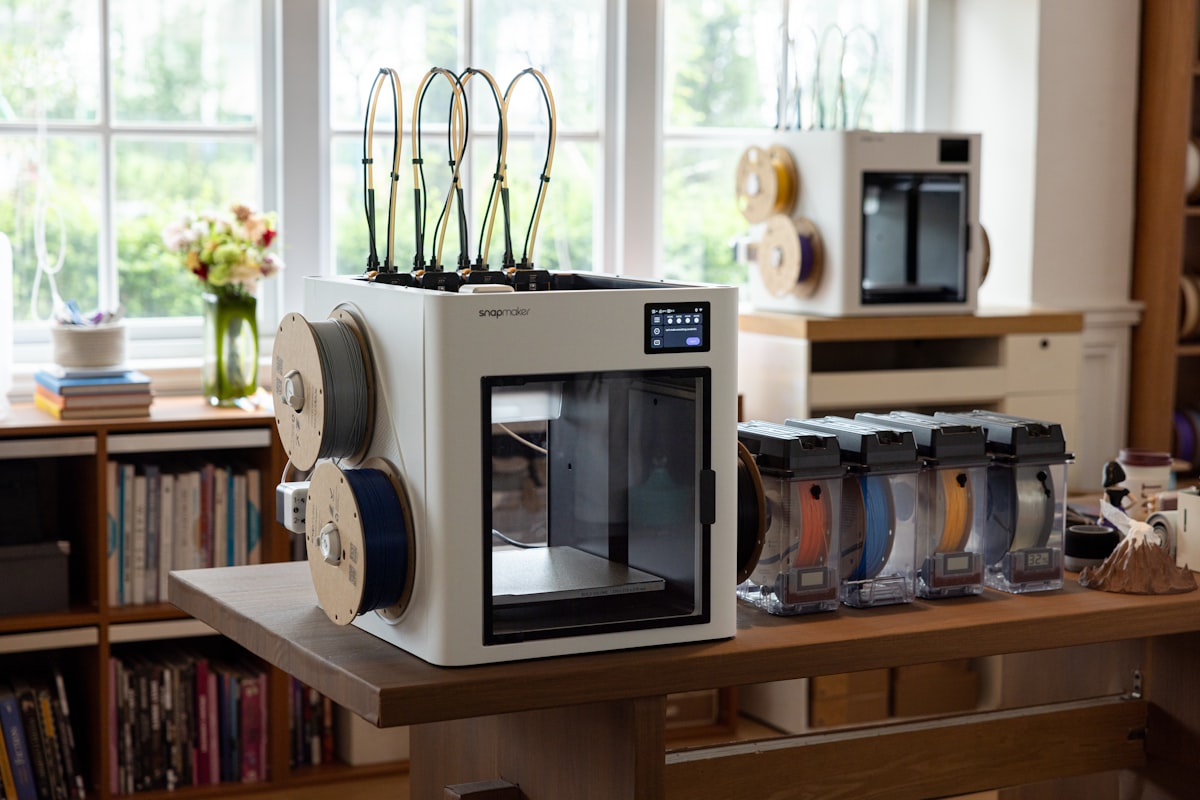
PETG on the A1 Mini requires slightly more care than PLA — it strings more, sticks to PEI surfaces aggressively, and benefits from a dry spool. But for functional parts that need strength and heat resistance above PLA’s limits, PETG is the right choice. When choosing the best filament for Bambu A1 Mini functional printing, PETG is the go-to upgrade from PLA.
#1 Overture PETG — Best for Functional Parts
Overture PETG is a widely available standard-speed option. Start with the Generic PETG profile, then follow the temperature range on the spool and calibrate flow for the specific color or batch. If your roll uses a cardboard spool, confirm that it rotates freely on the AMS Lite; an appropriate adapter may help when the spool edge does not track cleanly.
- Price: $18–22/kg
- AMS Lite: Yes (with printed spool adapter)
- Best for: Brackets, enclosures, outdoor parts, anything needing heat resistance above 60°C
- Downside: Cardboard spool requires adapter; use Generic PETG profile
#2 Polymaker PETG — Best Current High-Flow Alternative
Polymaker PETG is the current high-flow third-party option for fast functional parts on the A1 Mini. Start from a current Polymaker or Generic PETG profile, calibrate flow once and save it. Get 15% off your first Polymaker order with code BALUTAVLAD.
- Price: $24–30/kg
- AMS Lite: Perfect — RFID auto-detection
- Best for: Multi-color PETG prints, high-speed printing, zero-calibration workflow
Can You Print TPU on the Bambu A1 Mini?
Yes — but not through the AMS Lite. TPU’s flexibility causes jams in the AMS Lite’s filament path. Instead, feed TPU directly through the external spool path into the extruder. The A1 Mini’s direct-drive extruder handles TPU well at 220–235°C, 20–30mm/s. Recommended: Overture TPU 95A at $22–26/kg. This makes TPU one of the best filament for Bambu A1 Mini options when you need flexible prints.
Print Settings Quick Reference — Bambu A1 Mini
| Material | Nozzle | Bed | Speed | Profile |
|---|---|---|---|---|
| Bambu PLA Basic | 220°C | 55°C | Up to 300mm/s | Auto (RFID) |
| Panchroma Basic PLA | 210–220°C | 55°C | 150–250mm/s | Generic PLA + calibration |
| eSUN PLA+ | 215–225°C | 55–60°C | 150–250mm/s | eSUN PLA+ preset |
| Overture PETG | 240°C | 80°C | 80–120mm/s | Generic PETG |
| Polymaker PETG | 235–250°C | 70–80°C | Up to 300mm/s | Polymaker / Generic PETG |
| TPU 95A (external) | 220–235°C | 35–45°C | 20–30mm/s | Generic TPU |
3 Things That Ruin A1 Mini Prints (And How to Avoid Them)
1. Wet filament
PETG absorbs moisture within days of being opened. Wet filament produces stringing, bubbling, and weak layers — problems that look like settings issues but aren’t. Dry PETG at 65°C for 4–6 hours before printing. Store all open spools in sealed containers with silica gel.
2. Dirty PEI plate
The textured PEI surface loses adhesion when contaminated with fingerprint oils. For full Bambu plate compatibility, see our Bambu Lab PETG Compatibility Guide. Wipe with 99% isopropyl alcohol before every print session. For PETG, avoid touching the print surface entirely — skin oils alone are enough to cause first-layer failures.
3. Skipping flow calibration on third-party filament
RFID identifies supported Bambu filament and loads the associated material profile; it is not a guarantee that every spool, color, or plate combination is calibrated. For third-party filament, start with the matching generic or manufacturer profile and run flow calibration when needed. For PETG troubleshooting, see our PETG Stringing guide.
Frequently Asked Questions
What is the best filament for Bambu A1 Mini for beginners?
Bambu Lab PLA Basic is a simple starting option because its RFID tag loads the matching Bambu material profile. Third-party PLA can also work well, but check the spool fit, material profile, and filament condition, then calibrate when needed.
Can the A1 Mini print ABS?
The A1 Mini is open-frame, so ABS and ASA are poor default choices because they generally benefit from an enclosure and require careful fume management. For many functional A1 Mini parts, PETG is the simpler alternative; use an enclosed, ventilated setup when a project specifically requires ABS or ASA.
What is the best filament for multicolor printing on the A1 Mini?
Bambu Lab PLA Basic across all 4 AMS Lite slots is the easiest path — RFID auto-detection means each color loads with correct settings automatically. For budget multicolor printing, Panchroma Basic PLA in multiple colors works excellently with the saved calibrated profile.
How much filament does the AMS Lite waste during color changes?
Purge waste varies widely with the number of color changes, flush volumes, colors, and model layout. Review the slicer estimate before printing; where appropriate, reduce waste with “Flush Into Object” and by batching identical parts on one plate.
Where to Buy
- 👉 Check Price on Amazon — Bambu Lab PLA Basic
- 👉 Get 15% Off at Polymaker → Check on Amazon
Use code BALUTAVLAD for 15% off your first Polymaker order. - 👉 Check Price on Amazon — eSUN PLA+
- 👉 Check Price on Amazon — Overture PETG
- 👉 Get Polymaker PETG — 15% off your first order
Use code BALUTAVLAD. - 👉 Check Price on Amazon — Overture TPU 95A
Final Verdict
Start with Bambu PLA Basic to learn the machine with zero variables, then switch to Panchroma Basic PLA once you’re comfortable — a current, well-supported product line. Add Overture PETG for functional parts that need heat resistance, remembering to print the spool adapter first. Keep a filament dryer in the setup from day one — the A1 Mini is fast enough that wet filament quickly becomes the main bottleneck. This combination gives you the best filament for Bambu A1 Mini that covers every use case without overcomplicating your setup.
FilamentPicks is reader-supported. When you buy through links on our site, we may earn a small commission at no cost to you. We only recommend products we have researched or thoroughly researched.