

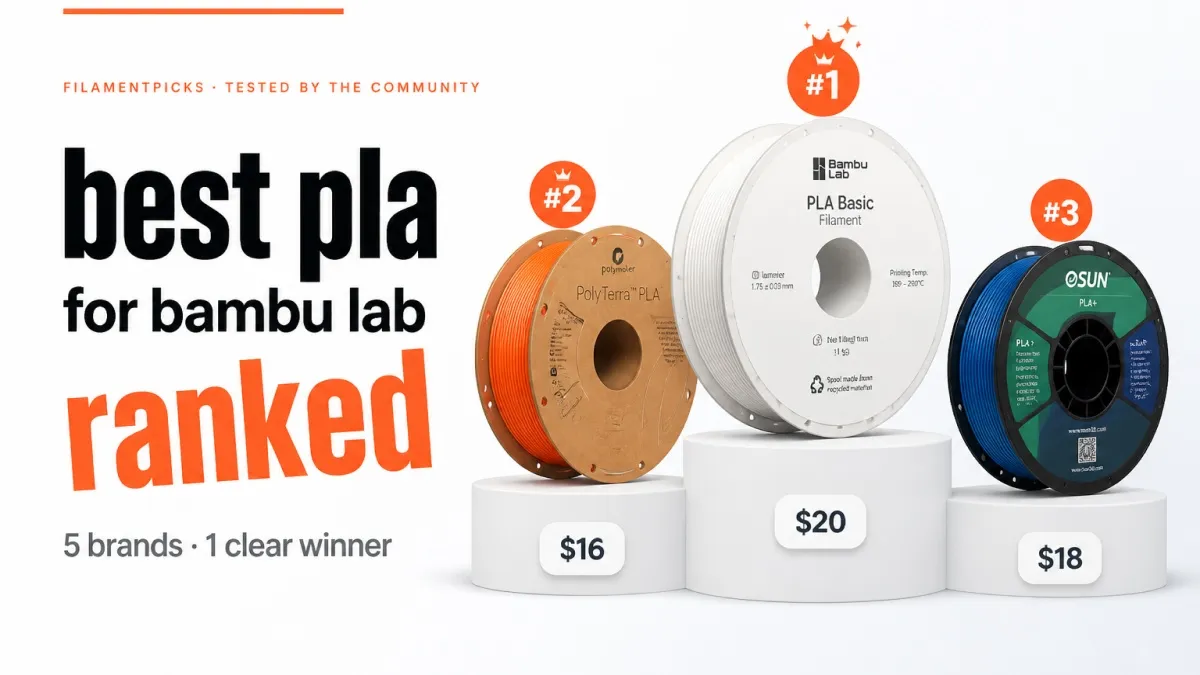
Research-based guide. Recommendations draw on manufacturer specifications, community testing, and widely reported user experience across the Bambu Lab ecosystem — not a single hands-on lab test.
The best PLA filament for Bambu Lab printers is the one that prints clean, fast, and reliably without fighting your AMS — and the good news is that PLA is where these machines shine. It needs no enclosure, tolerates high speeds beautifully on Bambu hardware, and forgives beginner mistakes. The catch is choice: dozens of brands and a confusing spread of variants (Basic, Plus, Matte, Silk, High-Speed). This guide ranks the PLA worth buying in 2026 and tells you which variant fits which job.
Quick orientation: every current Bambu printer — from the A1 mini to the X1 Carbon, including the H2S — handles PLA superbly. The differences below are about consistency, colour, speed, and price, not whether your machine can run it.
IN THIS GUIDE
- Why PLA is the go-to for Bambu Lab
- Best PLA filament for Bambu Lab
- PLA variants explained: Basic, +, Matte, Silk, HF
- Best PLA by use case
- Print settings for PLA on Bambu
- Price guide 2026
- How we ranked these brands
- FAQ
Why PLA Is the Go-To for Bambu Lab
PLA is the default material for a reason. It prints at low temperatures, doesn’t warp, needs no heated chamber, and produces sharp detail with minimal effort. On Bambu printers specifically, it pairs with the high-flow hotend and active cooling to run at speeds that would be reckless on older machines — clean prints at 200–300 mm/s are routine with the right PLA. For everything from miniatures to prototypes to display pieces, PLA is the right starting point. The only place it falls short is heat and outdoor durability — for those, step up to PETG or ABS/ASA.
👉 See also: PLA vs PLA+ for Bambu Lab — which one to actually use.
Best PLA Filament for Bambu Lab
Bambu Lab PLA Basic — the zero-config default
First-party PLA Basic is the easiest possible choice: it ships AMS-ready with RFID auto-detection, so the printer dials in temperature, speed, and colour automatically. Quality is excellent, the colour range is wide, and it’s tuned for Bambu’s high-speed profiles out of the box. At roughly $15.99/roll it isn’t the cheapest, but for hands-off multi-colour printing it’s unbeatable.
Best for: beginners, multi-colour AMS prints, plug-and-play speed. Check Bambu Lab PLA Basic on Amazon →
Polymaker PolyTerra & PolySonic — the value champions
Polymaker covers two sweet spots. PolyTerra PLA is a matte, eco-minded PLA with gorgeous flat colours at a low price, while PolySonic PLA is engineered for high-speed printing up to ~300 mm/s — ideal for getting the most out of a Bambu’s speed. Both have dedicated Bambu Studio profiles, so setup is painless.
Overture & eSUN PLA+ — the reliable everyday picks
When you just want dependable PLA that won’t surprise you, Overture PLA and eSUN PLA+ are the community staples. Both ship with tight tolerances (~±0.02 mm), feed cleanly through the AMS, and cost less than first-party. eSUN’s PLA+ adds a touch more toughness and layer adhesion, making it a great all-rounder for functional parts.
Best for: everyday printing, functional parts, stocking multiple colours affordably. Check Overture PLA on Amazon → • Check eSUN PLA+ on Amazon →
Prusament PLA — the premium benchmark
When dimensional accuracy matters most, Prusament PLA sets the standard with tolerances tighter than ±0.02 mm and exceptional batch consistency. It’s premium-priced and its spool isn’t AMS-optimised, but for precision parts where a failed reprint costs more than the filament, it earns its place.
Best for: precision and consistency. Check Prusament PLA on Amazon →
SUNLU & Elegoo — the budget workhorses
For high-volume printing, prototyping, or learning, SUNLU PLA (~$14–16/kg) and Elegoo Rapid PLA+ are hard to beat on price while staying surprisingly consistent. Colour accuracy and batch consistency aren’t at premium level, but for parts where looks don’t matter, they’re the smart money.
Best for: burning through material, prototypes, beginners on a budget. Check SUNLU PLA on Amazon → • Check Elegoo Rapid PLA+ on Amazon →
PLA Variants Explained: Basic, +, Matte, Silk, HF
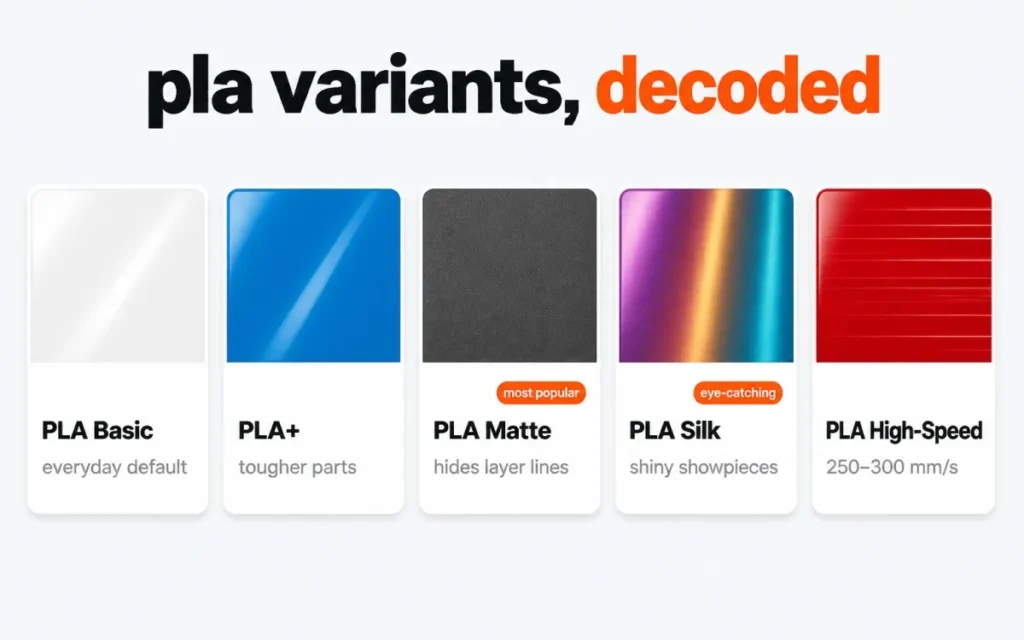
“PLA” isn’t one thing. Here’s what the labels actually mean so you buy the right roll.
| Variant | What it’s for |
|---|---|
| PLA / PLA Basic | The standard. Easy, sharp detail, glossy finish. The default for most prints. |
| PLA+ | Tougher, better layer adhesion. A small upgrade for functional parts. |
| Matte PLA | Non-reflective, flat finish that hides layer lines beautifully. Great for display models. |
| Silk PLA | Shiny, metallic-looking sheen. Eye-catching, but weaker and trickier to print. |
| High-Speed PLA (PolySonic / PLA-HF) | Reformulated to flow fast for 250–300+ mm/s without quality loss. |
Best PLA by Use Case
| Use case | Pick | Why |
|---|---|---|
| Beginners / AMS | Bambu PLA Basic | RFID auto-settings, zero fuss |
| Best value | Overture PLA / eSUN PLA+ | Tight tolerance, low cost |
| Fast printing | Polymaker PolySonic | Tuned for 300 mm/s |
| Matte display models | Polymaker PolyTerra | Flat finish hides layer lines |
| Precision parts | Prusament PLA | Tightest tolerance |
| Budget / high-volume | SUNLU / Elegoo | Cheapest per kg |
Print Settings for PLA on Bambu
PLA is forgiving, but these starting points get you clean prints fast on any Bambu machine.
- Nozzle: 210–220°C (drop to ~205°C for fine detail, raise for speed)
- Bed: 55–60°C — no enclosure needed; crack the door open if your chamber runs hot
- Cooling: part fan 100% — PLA loves aggressive cooling for crisp overhangs
- Speed: standard PLA 150–200 mm/s; high-speed PLA 250–300+ mm/s
- Adhesion: clean plate is usually enough; a brim helps tall, narrow parts
Keep PLA dry for best results — it absorbs less moisture than PETG or nylon but damp PLA still gets brittle and stringy. See our filament storage guide.
Price Guide 2026
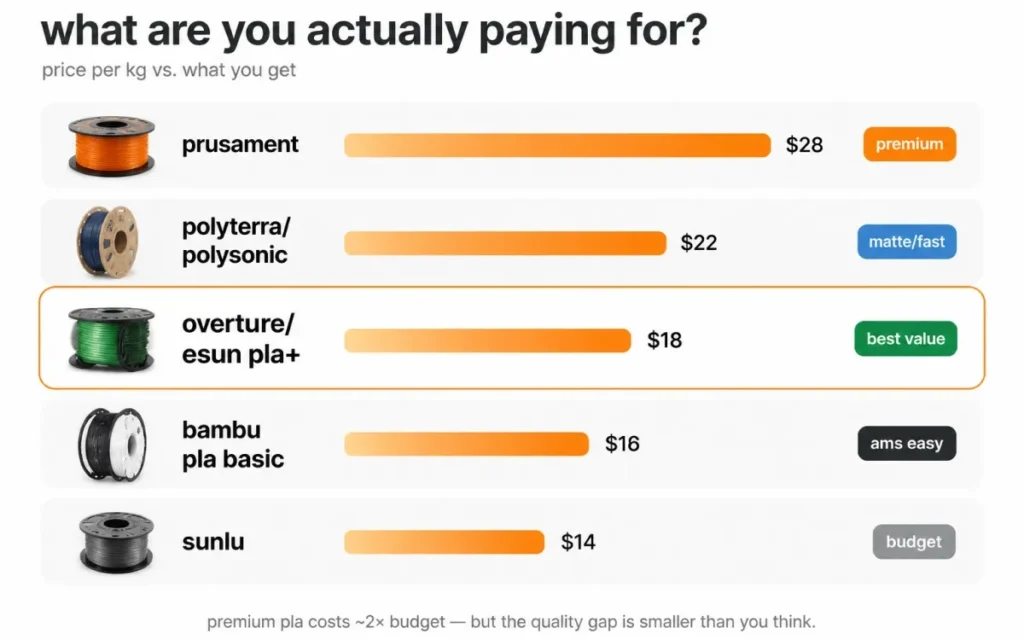
| Brand | Typical price | Notes |
|---|---|---|
| SUNLU / Elegoo | ~$14–16 / kg | Cheapest reliable PLA |
| Overture / eSUN PLA+ | ~$17–20 / kg | Best value all-rounders |
| Polymaker PolyTerra / PolySonic | ~$20–25 / kg | Matte / high-speed |
| Bambu Lab PLA Basic | ~$16 / roll | RFID + AMS auto-settings |
| Prusament PLA | ~$25–30 / kg | Premium tolerance |
How We Ranked These Brands
Three factors drive every placement:
- Print quality & consistency — tolerance, colour accuracy, surface finish, batch reliability.
- AMS compatibility — spool shape, feeding, and whether a Bambu Studio preset exists.
- Value for money — true cost per gram against the quality delivered.
Rankings reflect manufacturer specs, community testing, and widely reported experience as of 2026. For the full cross-material picture, see our Bambu Lab filament tier list, and to compare materials head-to-head, PLA vs PETG vs PETG HF.
Frequently Asked Questions
What is the best PLA filament for Bambu Lab?
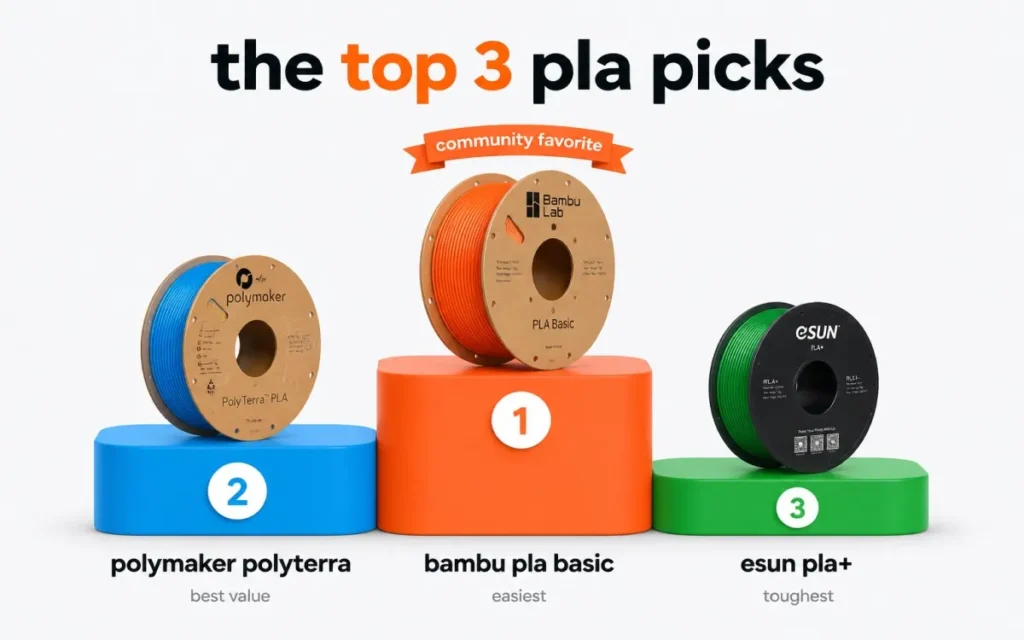
For most users, Bambu PLA Basic (easiest, AMS-native) or Polymaker PolyTerra/PolySonic (best value, matte or fast) are the top picks. Overture and eSUN PLA+ are the best budget-friendly all-rounders.
Do I need special PLA for high-speed Bambu printing?
Not strictly — Bambu printers run standard PLA fast already. But high-speed formulations like PolySonic or PLA-HF hold quality better at 250–300+ mm/s, so they’re worth it if you print at top speed often.
Is matte or silk PLA harder to print?
Matte PLA prints about as easily as standard and hides layer lines. Silk PLA is trickier — it’s weaker and more prone to stringing, so slow down slightly and tune retraction.
Is PLA food safe?
A PLA label alone does not make a finished print food-safe. Colorants, additives, nozzle history, layer lines and cleaning method all matter. Read our evidence-based PLA food-safety guide before using a printed part with food.
Affiliate disclosure: FilamentPicks is reader-supported. As an Amazon Associate we earn from qualifying purchases. Product links may be affiliate links at no extra cost to you. Rankings are based on independent research and community data, not paid placement.