

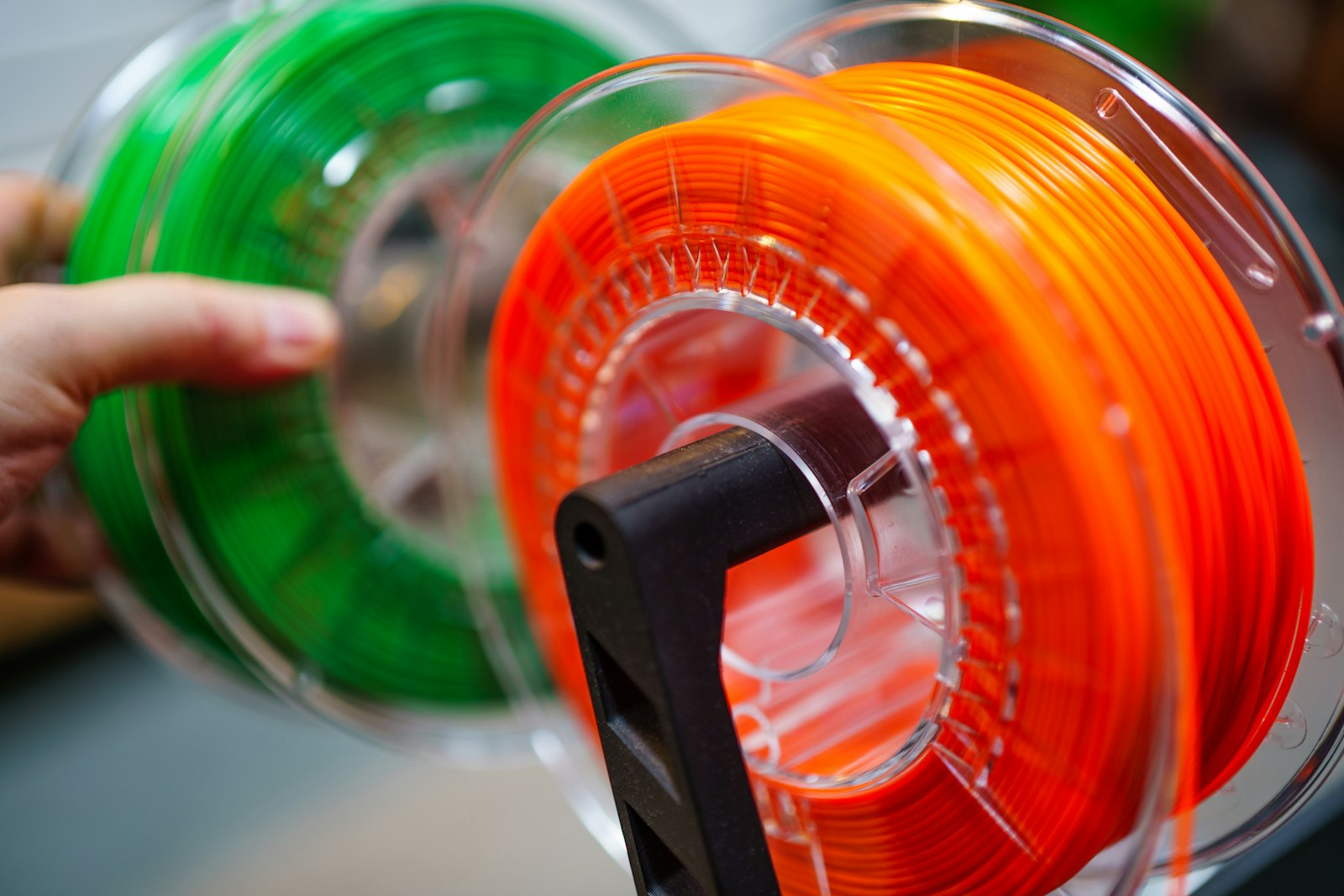
Quick answer: there is no single PETG spool that is best for every Bambu Lab printer and project. For a current third-party all-round option, compare Polymaker PETG. For native Bambu profile convenience, compare Bambu PETG Basic. For a budget-oriented high-speed option, compare ELEGOO Rapid PETG. The published limits below come from each manufacturer; they are starting points, not FilamentPicks lab-test results.
Last editorial review: August 14, 2026. Product status, technical data sheets and links were rechecked for this update.
How this guide was researched
This comparison uses current manufacturer product pages, technical data sheets, published Bambu compatibility information and recurring owner reports as a secondary signal. FilamentPicks did not run a controlled head-to-head test of every color and batch listed here. A maximum speed printed on a product page is not a promise that every model will print cleanly at that speed: nozzle size, layer height, volumetric flow, geometry, moisture and cooling still matter.
Current PETG shortlist for Bambu Lab
| Current product | Why compare it | Manufacturer starting guidance | Important limit |
|---|---|---|---|
| Polymaker PETG | Current Polymaker general-purpose PETG; broad color choice and published high-flow positioning | 240–260°C nozzle, 60–70°C bed, drying 55°C for 6 hours, published speed up to 300 mm/s | Use the current Polymaker or Generic PETG profile; do not copy a retired PolyLite profile |
| Bambu PETG Basic | Native Bambu spool identification and a current Bambu material profile | 230–260°C nozzle, 65–75°C bed, drying 65°C for 8 hours, published speed below 200 mm/s | It is not a drop-in replacement for the discontinued PETG HF profile |
| ELEGOO Rapid PETG | Budget-oriented product marketed for rapid printing | ELEGOO publishes 30–600 mm/s and says to dry at 60°C for 8 hours before use | The 600 mm/s figure is a manufacturer maximum, not a realistic default for every Bambu model or part |
Always confirm the current label or data sheet for the spool in your hand. Manufacturers can revise formulas, packaging and profiles without changing the broad material name.
1. Polymaker PETG: current third-party all-round option
Polymaker PETG is the current successor in Polymaker’s general-purpose PETG line. Its November 2025 technical data sheet describes a high-flow formula and publishes a 240–260°C nozzle range, 60–70°C build plate range, up to 300 mm/s printing speed and 55°C for 6 hours as its drying guidance. Polymaker also states that an enclosure is not required.
- Choose it when: you want a current third-party formula, a wide product ecosystem and official technical documentation.
- Profile: use the current Polymaker profile when it is available for your printer; otherwise begin with Generic PETG and calibrate flow for the exact color and batch.
- Do not assume: that “up to 300 mm/s” removes the volumetric-flow limit imposed by the nozzle, layer height and model.
Read the official Polymaker PETG technical data sheet.
2. Bambu PETG Basic: native Bambu profile convenience
Bambu PETG Basic is the current Bambu-branded PETG option covered here. Bambu’s current technical data sheet lists compatibility with all Bambu 3D printers and AMS, AMS 2 Pro, AMS HT and AMS Lite. It publishes 230–260°C at the nozzle, 65–75°C on the bed, printing below 200 mm/s and 65°C for 8 hours for drying before printing.
- Choose it when: native spool identification and a current Bambu profile matter more than chasing the highest published speed.
- Check before printing: the selected plate, profile and material condition. RFID identifies the spool and loads associated information; it does not guarantee that every color, batch and model needs no calibration.
- Important: PETG Basic has its own current profile. Do not transfer saved PETG HF settings without checking them.
Read the official Bambu PETG Basic technical data sheet.
3. ELEGOO Rapid PETG: budget-oriented rapid PETG
ELEGOO markets Rapid PETG as a fast-printing, cardboard-spool option and publishes a 30–600 mm/s range. Treat the upper figure as a product claim under suitable conditions, not as a slicer preset. The same official page instructs users to dry the filament at 60°C for 8 hours before use for optimal print quality.
- Choose it when: current price makes it attractive and you are willing to calibrate the exact roll.
- AMS note: confirm that the cardboard spool rotates and feeds cleanly in your AMS generation. ELEGOO offers a printable spool ring, but fit and feed reliability still need to be checked.
- Do not assume: that one temperature or maximum speed applies equally to every color, nozzle and model.
Read the official ELEGOO Rapid PETG product guidance.
What happened to Bambu PETG HF and PolyLite PETG?
Bambu PETG HF is a legacy product and not a current buying recommendation in this guide. Readers may still own spools or saved profiles, which is why the name remains relevant. Use the instructions and profile that match that legacy spool; do not assume its temperature, drying or flow settings apply to Bambu PETG Basic.
PolyLite PETG is also treated as a legacy formula here. Polymaker still hosts documentation for older products, but new buyers should compare the current product named Polymaker PETG and its current data sheet. Existing PolyLite spools should be printed from the label and documentation that accompanied them.
A safer Bambu PETG setup workflow
- Identify the exact product. “PETG,” “Rapid PETG,” “PETG Basic” and “PETG HF” are not interchangeable profiles.
- Open the current data sheet. Check nozzle, bed, drying, fan, build surface and published flow or speed guidance.
- Select the closest current profile. Prefer a current manufacturer profile. Use Generic PETG only as a starting point when no exact profile exists.
- Check the spool and feed path. Confirm dimensions, edge condition and material compatibility for your AMS, AMS Lite or external spool route.
- Print a small calibration part. Adjust flow only when the result indicates it. Do not copy a very high speed merely because a product page lists a maximum.
- Troubleshoot moisture before retraction. Bubbling, rough extrusion and sudden stringing can indicate wet PETG. Follow the exact manufacturer’s drying guidance rather than a universal temperature.
Which option fits each priority?
- Native Bambu setup: start by comparing Bambu PETG Basic.
- Current third-party all-rounder: start by comparing Polymaker PETG.
- Budget and rapid-printing claim: compare ELEGOO Rapid PETG, but validate the real limit on your machine.
- Existing legacy spool: keep the matching PETG HF or PolyLite profile and documentation; do not transfer it to a current replacement.
Frequently asked questions
Do I need to dry every PETG spool?
PETG can absorb moisture, but the correct temperature and time are product-specific. Bambu publishes 65°C for 8 hours for PETG Basic, Polymaker publishes 55°C for 6 hours for its current PETG, and ELEGOO publishes 60°C for 8 hours for Rapid PETG. Follow the exact product guidance and stay within the temperature limit of the dryer and spool.
Can different PETG brands share one AMS print?
They can be loaded together, but matching the material family does not guarantee identical flow, temperature, color-change behavior or interlayer bonding. Use compatible profiles and run a small multicolor test before committing to a long print.
Is the highest advertised speed the best choice?
No. The useful limit is the speed at which the hotend can melt that exact filament for the chosen layer width and height while preserving the required part quality. Begin with the current profile and data sheet, then validate any increase on a small part.
Editorial verdict
For a current purchase, compare Polymaker PETG when you want a documented third-party all-round option, Bambu PETG Basic when native Bambu identification and profile convenience are the priority, and ELEGOO Rapid PETG when price and a rapid-printing product claim justify extra calibration. PETG HF and PolyLite PETG remain useful only as clearly labeled legacy references.
Disclosure: FilamentPicks is reader-supported, but this revision contains no direct affiliate buying links. Product placement was not purchased. Read How We Research and the Affiliate Disclosure.