

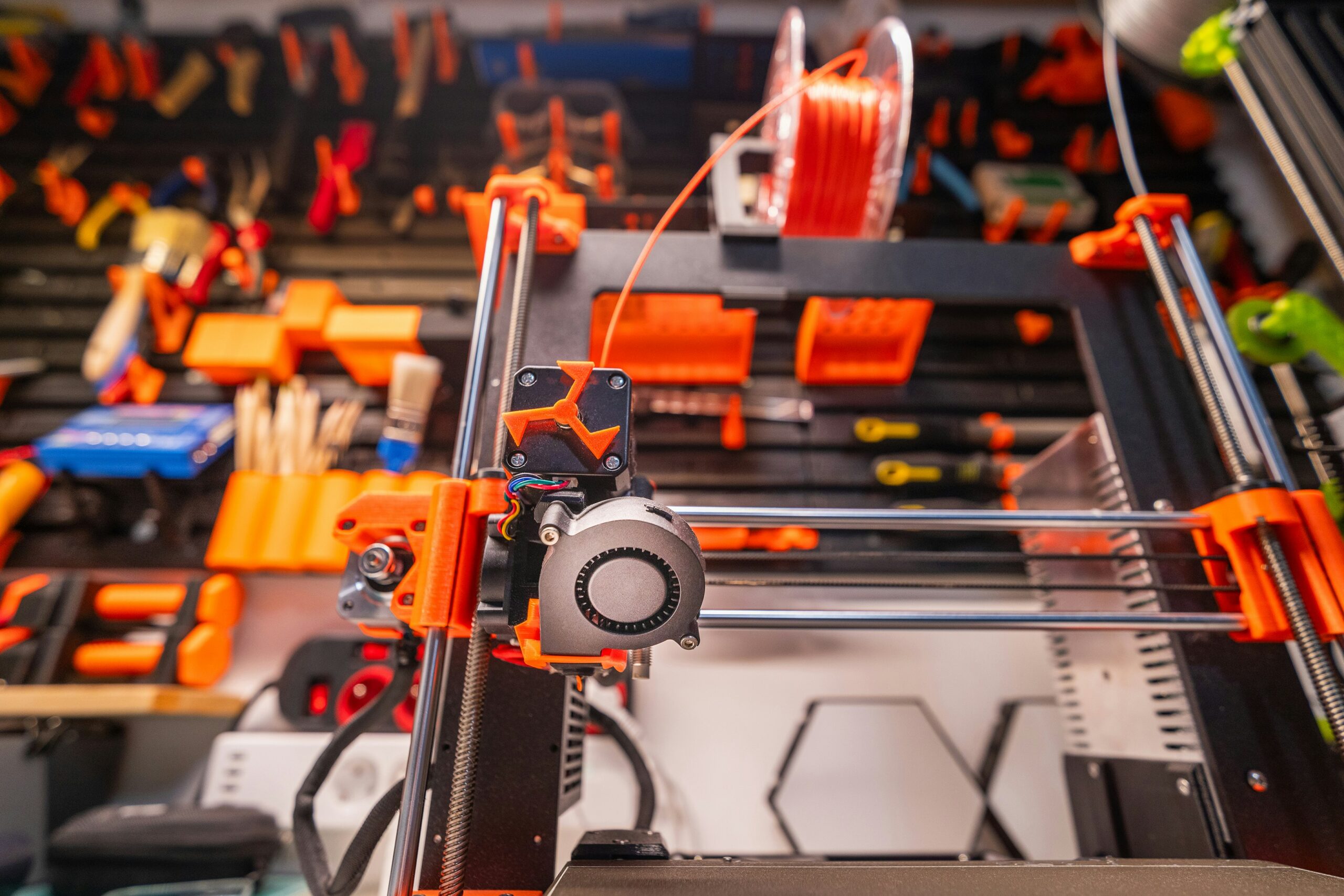
The Bambu Lab X2D is the most exciting printer Bambu has released since the X1 Carbon — and it changes the filament game in two important ways. First, the actively heated chamber (up to 65°C) means you can finally print ABS, ASA, and engineering Nylon without fighting warping. Second, dual extrusion opens up a whole category of prints that a single-nozzle printer simply can’t do: clean soluble PVA supports, true two-material models, and multi-material combinations that were previously impossible in this price range.
FilamentPicks is reader-supported. Some links on this page are affiliate links. As an Amazon Associate I earn from qualifying purchases. This does not change the price you pay.
Last reviewed: August 5, 2026 · Recommendations checked against current manufacturer guidance and community reports.
But with two nozzles — one direct drive, one Bowden — filament choices get more complex. Not every material works equally well in both nozzles. Some combinations are recommended, some require caution, and a few are explicitly off the table for the auxiliary nozzle.
This guide covers everything you need to know about the best filament for Bambu X2D: which filaments work best on the X2D’s main vs aux nozzle, optimal settings for each material, and the best brands to buy in 2026.
Quick answer: For most Bambu X2D users, Bambu PLA Basic (everyday) and PETG / PETG Basic (functional parts) are the safest picks — both run on the main and aux nozzles. For outdoor or high-heat parts, ASA is the X2D standout thanks to its enclosed Heat Mode. Just note the dual-nozzle design: abrasive CF/GF filaments need a hardened nozzle and are “caution” on the aux nozzle.
Quick Picks: Best Filament for Bambu X2D
Here’s the short version for experienced users who want to get straight to the recommendations:
| Use case | Best filament | Brand | Positioning |
|---|---|---|---|
| Everyday PLA | Bambu PLA Basic / eSUN PLA+ | Bambu / eSUN | Best value |
| Functional PETG parts | Bambu PETG Basic / Polymaker PETG | Bambu / Polymaker | Mid-range |
| Dual-material supports | Support for PLA (aux) + PLA (main) | Bambu | Specialized |
| Outdoor / UV parts | Polymaker ASA | Polymaker | Premium |
| Heat-resistant | eSUN ABS+ / Bambu ABS | eSUN / Bambu | Value to premium |
| Flexible / grippy | TPU 95A (main nozzle only) | Overture / eSUN | Mid-range |
| High-strength structural | PA-CF / PA6-CF | Bambu / eSUN | Premium engineering |
| Soluble supports | PVA (aux nozzle) | Bambu | Specialized |
A direct Bambu Studio profile, consistent feeding and a first-order discount make it the strongest conversion choice for most X2D owners.
Use code BALUTAVLAD for 15% off your first Polymaker order. Affiliate links may earn FilamentPicks a commission.
👉 See also: X2D filament compatibility guide — the full nozzle-by-nozzle rules.
What Makes the Bambu X2D Different (For Filament)
Before diving into specific materials, it’s worth understanding what the X2D’s hardware actually changes about filament use — because it’s more than just ‘dual extrusion’.
1. Actively Heated Chamber (up to 65°C)
This is the biggest upgrade from the X1C and P2S. The X2D doesn’t just passively warm up — it actively heats the chamber to a set temperature using Heat Mode. For ABS, ASA, and Nylon, a stable 60–65°C chamber is what prevents warping on tall parts. This is the same spec that made the X1E a favorite for engineering materials — now standard on the X2D.
For PLA and PETG, the X2D switches to Cool Mode: it actively draws cool air into the chamber to prevent heat creep. No manual door management needed — the printer handles it automatically.
2. Dual Extrusion: Direct Drive (Main) + Bowden (Aux)
The main nozzle is a direct drive extruder — the workhorse for all model materials at up to 1,000 mm/s. The auxiliary nozzle uses a Bowden setup with a rear-mounted motor, capped at 200 mm/s due to the longer filament path. The mechanical nozzle-lifting mechanism physically raises the inactive nozzle out of the way — no ooze shields needed during switches.
What this means for filament: the aux nozzle is best suited for support materials (PVA, Support for PLA, Support for ABS), not as a second model nozzle. Surface quality and detail control are slightly lower on the aux side due to the Bowden path.
3. Hardened Steel Gears (Both Extruders)
Both the main and auxiliary extruders use hardened steel gears — not just the nozzle, the gears themselves. This means abrasive filaments (CF composites, GF blends) won’t chew through the extruder over time. You still need a hardened steel nozzle installed for abrasive filaments, but the extruder itself is ready.
4. 300°C Maximum Nozzle Temperature
The X2D tops out at 300°C (lower than some pre-launch leaks suggested 350°C). This covers the full range of standard engineering materials including PC. For PPS-CF and similar ultra-high-temp materials, the Bambu H2D (with 350°C capability) is the right machine.
Bambu X2D Filament Compatibility: Main vs Aux Nozzle
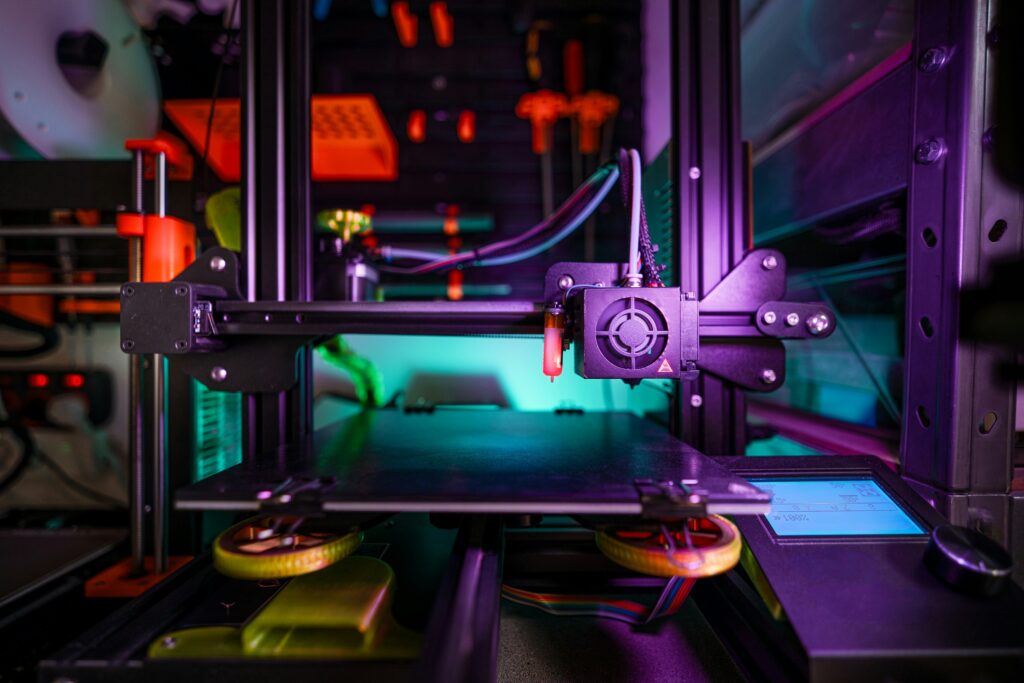
This is the table most guides skip. The X2D has different compatibility levels for main and auxiliary nozzles — and getting this wrong costs you a failed print or a clogged aux nozzle.
| Material | Main nozzle | Aux nozzle | Notes |
|---|---|---|---|
| PLA / PLA+ | Recommended | Recommended | Cool Mode; vent active |
| PLA-CF / PLA-GF | Recommended | Caution | Hardened steel nozzle req. |
| PETG / PETG Basic | Recommended | Caution | Not primary for aux |
| ABS | Recommended | Recommended | Heat Mode; 60–65°C chamber |
| ASA | Recommended | Recommended | Heat Mode; zero fan |
| ASA-CF | Recommended | Caution | Avoid with filament track switch |
| TPU 95A | Recommended | Caution | Direct drive main nozzle only |
| PA / PA6 | Recommended | Recommended | Dry 8–12h; Heat Mode |
| PA6-CF | Recommended | Caution | Hardened steel; dry filament |
| PC | Recommended | Recommended | 300°C max; 120°C bed |
| PVA (support) | Recommended | Recommended | Ideal aux nozzle use case |
| Support for PLA | Recommended | Recommended | Classic two-material combo |
Caution = usable but not recommended for primary model printing. Reserve aux nozzle for support materials where surface quality requirements are lower.
Best PLA Filament for Bambu X2D
PLA on the X2D is straightforward — the Cool Mode handles chamber temperature automatically, and the direct drive main nozzle feeds PLA perfectly. Where the X2D adds value over simpler printers is dual-material PLA printing: you can run PLA on the main nozzle and soluble PVA or ‘Support for PLA’ on the aux for complex geometries with perfect support removal.
Top PLA picks for the X2D
1. Bambu PLA Basic / PLA Matte — Best for AMS Multi-Color
- RFID auto-detection, profiles load instantly in Bambu Studio
- Ideal for multi-color prints with AMS 2 Pro — up to 25 colors in max AMS config
- Bambu spool geometry is designed for AMS 2 Pro feeding; confirm that the specific spool rotates freely before a long print
- Value: specialized dual-material support option
2. eSUN PLA+ — Best Third-Party PLA
- Dedicated preset in Bambu Studio — plug and play
- Excellent strength and surface finish vs standard PLA
- Wide color range, consistent diameter (±0.03mm)
- Value: budget-friendly and widely available
3. Panchroma Basic PLA — Best Current Polymaker Everyday PLA
- Start from Generic PLA and run automatic flow calibration once, then save the profile
- Current-generation formula for fast everyday printing with a broad color range
- Panchroma Matte replaces the former Panchroma Matte PLA name
- Get Panchroma Basic PLA with 15% off your first order — use code BALUTAVLAD
The X2D’s Cool Mode means you can print PLA with the enclosure fully closed — the printer automatically manages chamber temperature. No door-cracking required like on the P2S.
Best PETG Filament for Bambu X2D
PETG is a strong category on the X2D — the enclosed chamber eliminates surface inconsistencies from drafts, and the high-flow direct drive nozzle handles PETG’s slightly higher viscosity cleanly. PETG is best run on the main nozzle; Bambu’s own wiki flags it as ‘caution’ on the aux due to detail quality considerations.
Top PETG picks for the X2D
1. Polymaker PETG — Best Overall Current PETG
- Current high-flow formula with dependable main-nozzle feeding and broad color availability
- Get Polymaker PETG with 15% off your first order — use code BALUTAVLAD
- Best fit for fast functional parts when you want a current third-party product
2. Bambu PETG Basic (2026) — Best for RFID and AMS
- Bambu’s current PETG successor with RFID auto-detection and AMS 2 Pro integration
- Convenient at mainstream speeds, but not a direct replacement for discontinued PETG HF at the highest flow rates
3. Overture PETG — Best Budget
- Low stringing, excellent bed adhesion on textured PEI — use Generic PETG profile
- Clean IPA wipe before every PETG print
- Value: one of the better budget PETG choices
Best ABS Filament for Bambu X2D
This is where the X2D genuinely earns its price over the P2S. The active Heat Mode chamber reaches 60–65°C and holds it there — not just passively warms up. That means ABS parts of any height are accessible, not just short ones. Warping is dramatically reduced.
Use the textured PEI plate, zero fan, and let the chamber pre-heat to target temperature before starting the print. The X2D’s sensors will monitor chamber temp throughout.
1. eSUN ABS+ — Best Third-Party ABS
- Anti-warp additive in the ‘+’ formula — real difference on tall parts
- Nozzle: 240–260°C | Bed: 100–110°C | Chamber: Heat Mode 60°C | Fan: 0%
- Dry at 80°C for 4–6h before printing
- Value: cost-effective ABS option
2. Bambu ABS — Best for Two-Material ABS Prints
- RFID auto-detection, pairs cleanly with ‘Support for ABS’ on the aux nozzle
- The aux nozzle + support material is where the X2D really shows off
- Value: premium outdoor-material option
Best ASA Filament for Bambu X2D
ASA is ABS with UV resistance. Same printing requirements, same enclosure behavior — but if the part is going outside, ASA is always the right choice. The X2D handles ASA as well as any printer in its class.
Polymaker ASA — Top Pick
- Nozzle: 240–255°C | Bed: 90–100°C | Chamber: Heat Mode 60°C | Fan: 0%
- UV resistance comparable to Bambu ASA, AMS 2 Pro compatible (plastic spool)
- One of the best third-party ASA options — consistent across spools
- Value: mid-range flexible filament
ASA-CF is flagged as ‘Caution’ on the aux nozzle and explicitly not recommended with the filament track switch. Always run ASA-CF on the main nozzle only.
Best TPU Filament for Bambu X2D
The X2D has a dedicated TPU feeder that addresses the jamming issues common with flexible filaments on Bowden-style setups. TPU goes on the main (direct drive) nozzle — the Bowden aux nozzle can technically handle TPU but Bambu flags it as caution.
Unlike the P2S where TPU is limited to the external spool holder, the X2D’s main nozzle has a dedicated TPU feeding path (95A Shore hardness recommended). As with other Bambu machines, run TPU from the external spool holder rather than through the AMS.
Top TPU picks for the X2D
- Overture TPU 95A — consistent feeding and excellent flexibility
- eSUN TPU 95A — wide color selection and a slightly stiffer feel
- Bambu TPU 95A HF — RFID detection and a profile optimized for Bambu flow rates
- Nozzle: 220–230°C | Bed: 35–45°C | Fan: 30–50% | Max speed: 40–60mm/s on X2D
Engineering Filaments on the Bambu X2D: PA-CF, PC, PVA
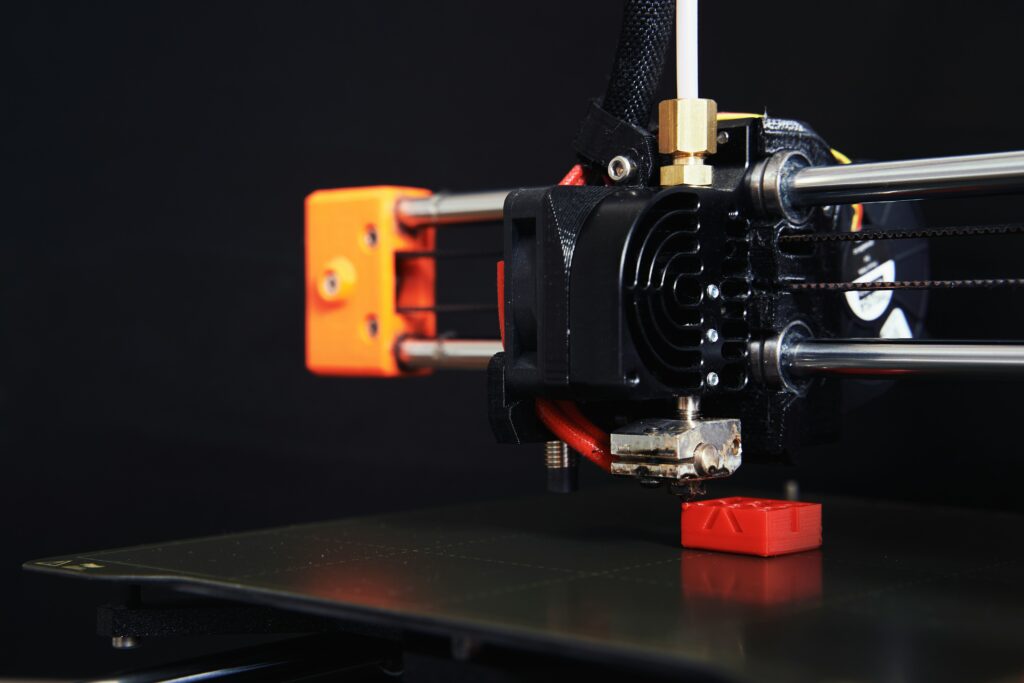
PA-CF / PA6-CF (Nylon Carbon Fiber) — Where the X2D Shines
PA-CF is the engineering material that benefits most from the X2D’s active heated chamber. The 65°C chamber temperature gives you consistent inter-layer adhesion across the full height of the part — something the P2S can struggle with on taller PA-CF prints.
- Hardened steel nozzle required (gears are already hardened steel)
- Dry 8–12 hours at 80°C before printing — non-negotiable for PA
- Nozzle: 260–270°C | Bed: 95–110°C | Chamber: Heat Mode 65°C | Fan: 0–10%
- Best picks: Bambu PA-CF or eSUN PA-CF
PC (Polycarbonate)
PC is fully accessible on the X2D — the 300°C nozzle and 65°C active chamber cover the requirements. Unlike the P2S where tall PC parts can show inconsistency, the X2D’s active thermal control maintains stable conditions throughout the print.
- Nozzle: 270–300°C | Bed: 110–120°C | Chamber: Heat Mode 65°C | Fan: 0%
- Hardened steel nozzle required
- Bambu PC is the safest pick for reliable profile settings
PVA (Soluble Support) — The X2D’s Killer App
This is what the dual-extrusion setup is really for. According to Bambu Lab’s official filaments guide, PVA on the aux nozzle + any model material on the main = perfect support removal with zero post-processing marks. The X2D’s AMS 2 Pro active drying keeps PVA usable across long print sessions (PVA absorbs moisture extremely fast).
- Run PVA only from the AMS 2 Pro with active drying enabled
- Nozzle: 200–215°C | Bed: 45–55°C | Fan: 50%
- Compatible combos: PLA main + PVA aux, PETG main + PVA aux
- Bambu PVA is the most reliable specialized option for X2D compatibility
Best Dual-Material Combinations for the Bambu X2D
Dual extrusion is only as useful as the material pairings you can run. Here are the combinations that work reliably on the X2D and what to use them for:
PLA (main) + Support for PLA (aux)
- The most common combo — breakaway supports that separate cleanly
- No post-processing chemicals needed, great for aesthetic models
PLA (main) + PVA (aux)
- For complex overhangs where breakaway supports would leave marks
- PVA dissolves completely in water — supports disappear overnight
- Keep PVA in AMS 2 Pro with active drying running
ABS (main) + Support for ABS (aux)
- Heat Mode chamber for both materials — fully enclosed print
- Clean support interface, ideal for functional engineering parts
PA-CF (main) + ABS (aux)
- ABS as support material for PA-CF structural parts
- Both run in Heat Mode — compatible thermal environment
PETG (main) + PLA (aux — use with caution)
- PETG adhesion to PLA supports is moderate — test first
- Useful for parts needing PETG properties with easier PLA support removal
Third-Party Filament on the X2D: What You Need to Know
The X2D, like the P2S, launched with a limited set of built-in third-party profiles. As of May 2026, Bambu has expanded support in Bambu Studio. Polymaker and eSUN have dedicated presets — use them. For everyone else, select Generic [Material] and run the automatic calibration sequence.
- Bambu recommends using official Bambu filament in the auxiliary nozzle for best quality — especially for soluble supports
- Third-party filament works without issues in the main nozzle for all standard materials
- The X2D’s Dynamic Flow Calibration handles automatic flow rate optimization for third-party filaments
- The ‘Filament Track Switch’ feature in Bambu Studio 2.5.3 routes filament from AMS to both nozzles — optimized for Bambu-brand filament profiles
Bambu X2D Print Settings Quick Reference
Use these as starting points. The X2D’s Dynamic Flow Calibration will auto-tune from here:
| Material | Nozzle temp | Bed temp | Chamber mode | Fan | Nozzle type |
|---|---|---|---|---|---|
| PLA / PLA+ | 210–220°C | 55–60°C | Cool Mode | 100% | Stainless |
| PETG / PETG Basic | 240–250°C | 70–80°C | Cool Mode | 30–50% | Stainless |
| ABS | 240–260°C | 100–110°C | Heat Mode (60°C) | 0% | Stainless |
| ASA | 240–255°C | 90–100°C | Heat Mode (60°C) | 0% | Stainless |
| TPU 95A | 220–230°C | 35–45°C | Cool Mode | 30–50% | Stainless |
| PA / PA6 | 250–270°C | 90–100°C | Heat Mode (65°C) | 0–10% | Hardened |
| PA6-CF | 260–270°C | 95–110°C | Heat Mode (65°C) | 0% | Hardened |
| PC | 270–300°C | 110–120°C | Heat Mode (65°C) | 0% | Hardened |
| PVA (support) | 200–215°C | 45–55°C | Cool Mode | 50% | Stainless |
Where to Buy: Best Filament for Bambu X2D
All picks available on Amazon with fast shipping. Affiliate links — you pay the same price.
PLA
- eSUN PLA+ 1.75mm — Buy on Amazon
- Panchroma Basic PLA — Get 15% Off at Polymaker → Check on Amazon
Use code BALUTAVLAD for 15% off your first Polymaker order.
PETG
- Polymaker PETG — Get 15% Off at Polymaker → Check on Amazon
Use code BALUTAVLAD for 15% off your first Polymaker order. - Overture PETG — Buy on Amazon
ABS / ASA
- eSUN ABS+ — Buy on Amazon
- Polymaker ASA — Get 15% Off at Polymaker → Check on Amazon
Use code BALUTAVLAD for 15% off your first Polymaker order.
Engineering / PA-CF
- eSUN PA-CF — Buy on Amazon
Final Verdict: Best Filament for Bambu X2D
Our picks for the best filament for Bambu X2D are based on community data and manufacturer specs. The X2D’s active heated chamber and dual extrusion change what’s possible — but the fundamentals of filament selection still apply. Here’s the one-line summary per category:
- Daily PLA and multicolor → eSUN PLA+ or Bambu PLA Basic (AMS 2 Pro)
- Fast functional parts → Bambu PETG Basic or Polymaker PETG
- Clean complex supports → Bambu Support for PLA (aux) + PLA main
- Soluble supports, zero surface marks → Bambu PVA (aux) + PLA or PETG main
- Outdoor UV-resistant parts → Polymaker ASA (Heat Mode)
- Heat-resistant housings → eSUN ABS+ (Heat Mode, 60°C chamber)
- High-strength structural → eSUN or Bambu PA-CF (hardened nozzle + dry filament)
The X2D’s real value proposition isn’t just speed — it’s the combination of active chamber heating and dual extrusion that together make engineering materials genuinely accessible without the compromises you’d accept on a P2S or X1C. If you bought an X2D, lean into those capabilities.
Questions about a specific material or combo? Drop them in the comments — I update this guide as the X2D community discovers new settings and results.
✅ Recommended Filament
Polymaker PETG — Best for Bambu X2D
Excellent AMS compatibility, a dedicated Bambu Studio preset and consistent batches — ideal for precision-focused X2D use.
Get 15% Off at Polymaker → Check on AmazonUse code BALUTAVLAD for 15% off your first Polymaker order.
Frequently Asked Questions
What’s the best filament for the Bambu X2D?
For everyday printing, Bambu PLA Basic or eSUN PLA+. For functional parts, PETG or PETG Basic. For outdoor and heat-resistant parts, ASA is the X2D’s standout — all of these run reliably on both the main and aux nozzles.
Is the Bambu X2D compatible with third-party filament?
Yes. Third-party PLA, PETG, ABS and ASA work well on the X2D. Abrasive carbon- and glass-filled filaments need a hardened steel nozzle and are best kept on the main nozzle rather than the aux.
What filament works in the X2D aux nozzle?
PLA, ABS and ASA are recommended on the auxiliary nozzle. PETG, TPU and CF/GF materials are rated “caution” — usable, but better suited to the main nozzle to avoid clogs.
Does the Bambu X2D need an enclosure for ABS and ASA?
The X2D is enclosed. ABS and ASA print in Heat Mode with a 60–65°C chamber and reduced or zero fan — exactly the conditions these materials need to avoid warping and layer splitting.
Can the Bambu X2D print carbon-fiber filament?
Yes, on the main nozzle with a hardened steel nozzle fitted. On the aux nozzle, CF and GF materials are rated caution — possible, but with higher clog risk.
Affiliate Disclosure
FilamentPicks.com is a participant in the Amazon Services LLC Associates Program, an affiliate advertising program designed to provide a means for sites to earn advertising fees by advertising and linking to Amazon.com. When you purchase through links on our site, we may earn a small commission at no extra cost to you. We only recommend products we genuinely believe in.