

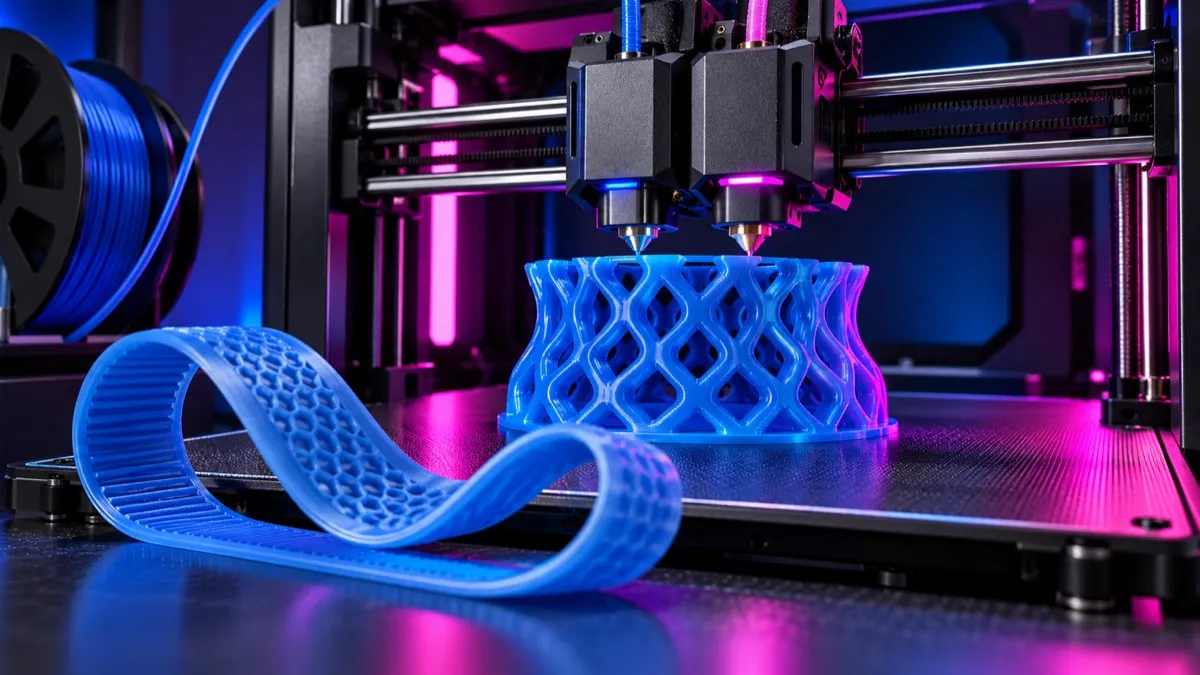
Bambu X2D TPU settings must account for an important hardware fact: the X2D’s two extrusion paths are not identical. Bambu describes a direct-drive main extruder and a lighter auxiliary system designed around secondary materials and support. Soft TPU should therefore be assigned by formulation and feed path, not treated like ordinary PLA in either nozzle.
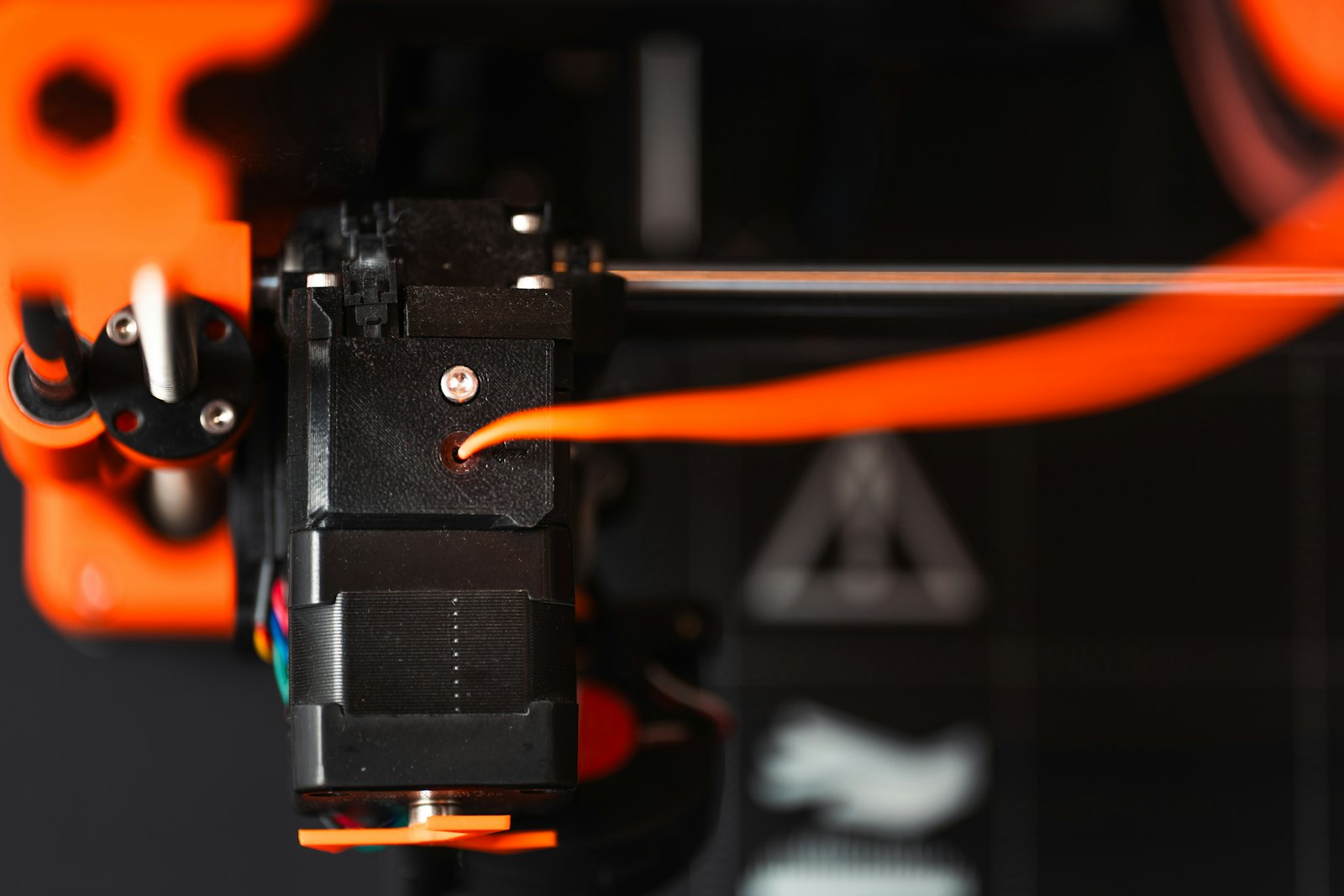
Choose the correct X2D feed path first
| TPU type | Preferred starting route | Reason |
|---|---|---|
| Standard 95A TPU | Direct-drive main extruder or manufacturer-approved path | Shorter constrained path reduces buckling |
| High-flow 95A TPU | Exact Bambu/manufacturer profile and approved route | High-flow branding does not remove feed-path limits |
| TPU for AMS | Only the AMS/extruder combinations listed as compatible | This formulation is engineered for automated feeding |
| Softer TPU, below 95A | External spool and direct-drive path when approved | Soft filament buckles more easily in long tubes |
| Abrasive or filled flexible | Manufacturer-specific route and wear-resistant nozzle | Combines buckling risk with hardware wear |
Bambu’s official X2D extrusion overview says the left/main system is direct drive and the auxiliary system has a different delivery architecture. It also recommends the left hotend for the main material and the right for support. Firmware and compatible-material lists can change, so let the current slicer validate the routing before a multi-material job.
Safe Bambu X2D TPU settings must name the selected extruder and route because a value tested on the direct-drive path is not automatically valid on the auxiliary system.
Bambu X2D TPU settings baseline
| Control | Starting rule | Failure to watch |
|---|---|---|
| Profile | Exact Bambu TPU profile or a cloned generic profile | Wrong hardness or high-speed preset |
| Nozzle temperature | Inside the spool manufacturer’s range | Too cool: weak layers; too hot: stringing and gloss |
| Bed | Plate-specific TPU profile and release layer if required | TPU can bond too aggressively to bare smooth surfaces |
| Volumetric speed | Conservative; increase only through testing | Extruder compression and intermittent under-extrusion |
| Retraction | Profile default or minimal validated value | Long retraction can stretch and destabilize soft filament |
| Part cooling | Moderate, adjusted for bridges and layer adhesion | Excess cooling weakens bonding; too little softens details |
| Spool resistance | Very low | Heavy or tangled spool makes the extruder pull inconsistently |
| Top/lid state | Follow current profile and ambient conditions | Heat creep can soften filament before the melt zone |
Dry TPU before retraction tuning
TPU readily absorbs moisture. Wet flexible filament can hiss, bubble, string and produce a rough surface. Those symptoms often look like poor temperature or retraction settings. Follow the exact spool’s drying limit and print from a sealed dry box when humidity is high or the job is long.
Do not raise drying temperature because a harder plastic uses a hotter cycle. Flexible formulations and spool materials vary. After drying, allow the spool to cool in a sealed environment before judging whether a setting change worked.
Build a low-resistance TPU feed setup
TPU is pushed, not pulled, through most of its path. Every sharp tube bend, tight spool hub and misaligned connector increases compressive load before the drive gears. Place an external reel so filament leaves it smoothly, confirm that the spool edge cannot rub the holder and route PTFE with broad curves. Unwind one turn by hand to check for a crossed loop before a long job.
A large reel can rotate freely when empty yet become difficult at full weight. Test feed resistance with the actual loaded spool and with the toolhead at the farthest practical position. If under-extrusion appears only in one region of the plate, the tube angle or toolhead position may be changing resistance.
| Feed check | Acceptable result | If it fails |
|---|---|---|
| Spool rotation | Smooth movement without sidewall rubbing | Realign holder or use a compatible low-friction roller |
| PTFE path | Broad bends and fully seated connectors | Shorten unnecessary routing and replace damaged tube |
| Manual advance | Consistent resistance without sudden catches | Inspect every junction and the extruder entrance |
| Toolhead travel | No new tension at plate extremes | Add slack without creating a tight loop |
| Rewind/unload | Only on a route approved for that TPU | Use external direct feeding when automated return is unsupported |
A TPU calibration sequence that avoids false fixes
- Identify hardness, formulation, spool dimensions and approved feed path.
- Dry the spool using the manufacturer cycle.
- Reduce spool drag and inspect every PTFE junction.
- Select the exact X2D hotend, nozzle and plate.
- Print a first-layer patch and verify that TPU is not over-bonding.
- Calibrate temperature for layer bonding and surface quality.
- Calibrate flow ratio at low speed.
- Test a restrained volumetric limit.
- Touch retraction only after moisture and feed resistance are controlled.
Flexible filament makes aggressive calibration counterproductive. A small change in spool resistance can mimic a flow-ratio error. Use the Bambu flow calibration workflow but keep speeds appropriate for TPU.
Record the approved Bambu X2D TPU settings together with the hardness, drying history and spool holder so feed resistance is reproducible.
Test function, not only appearance
Two TPU prints can look identical and feel very different. Wall count, line direction, infill, hardness and temperature all change compression and rebound. Build a coupon that reproduces the final feature: a short seal section, snap tab, phone-case corner, belt tooth or anti-vibration foot. Judge fit and repeated deformation after the part has cooled.
| Use case | Primary test | Slicer variable to compare |
|---|---|---|
| Gasket or seal | Leak/contact test at real compression | Walls, top/bottom layers and line width |
| Protective bumper | Repeated impact and rebound | Hardness, walls and infill geometry |
| Drive belt or tire | Grip and dimensional repeatability | Orientation, outer-wall speed and cooling |
| Living hinge | Repeated bend cycles | Layer direction and radius at the root |
| Wearable/contact part | Fit, surface comfort and cleanability | Seam, layer height and approved material choice |
Save the hardness, brand, product, color, drying cycle, route, nozzle and successful volumetric limit in the profile name or notes. “Generic TPU” is not enough to reproduce a job when one reel is a soft 85A formulation and another is a stiff AMS-oriented material.
Planning dual-nozzle TPU jobs
The X2D can combine materials, but the pairing must be physically and thermally compatible. Compare nozzle temperature, bed requirement, purge behavior, adhesion and shrinkage. A rigid support material that prints much hotter than the TPU can degrade the flexible material during transitions; a very cold support can weaken the bond or produce poor interfaces.
| Pairing question | Why it matters |
|---|---|
| Can both materials use the same bed temperature? | A shared plate cannot satisfy incompatible requirements |
| Are both materials approved for their assigned extruder? | The main and auxiliary paths have different capabilities |
| Will the materials bond or release as intended? | Support must hold during printing and separate afterward |
| Are nozzle diameters permitted together? | Current firmware may restrict mixed-diameter jobs |
| Can both tolerate the chamber condition? | TPU can soften in a hot feed path |
Review the X2D filament compatibility guide before assigning materials, and use the X2D nozzle guide for diameter and hardware choices.
Recheck the Bambu X2D TPU settings after any firmware, nozzle or routing change before committing to a long dual-material print.
Bambu X2D TPU troubleshooting
| Symptom | Likely cause | First correction |
|---|---|---|
| Filament buckles at extruder | Speed/pressure too high or path not supported | Stop, clear safely and use the approved direct route |
| Intermittent thin lines | Spool drag, wet material or excessive flow demand | Reduce drag, dry and lower volumetric speed |
| Heavy stringing | Moisture or excessive temperature | Dry first, then reduce temperature in small steps |
| Weak layers | Too much fan, low heat or excessive speed | Slow down and validate bonding before changing retraction |
| TPU sticks too strongly | Plate surface lacks a release layer | Use the plate-specific adhesive/release guidance |
| Surface changes around curves | Variable speed and pressure response | Use steadier wall speed and recalibrate flow dynamics carefully |
| AMS load/unload failure | Material not compatible with automated path | Use external feed or TPU for AMS as current documentation permits |
Designing parts for flexible filament
TPU stiffness is controlled by material hardness, wall count, infill pattern and geometry. More walls often change feel more than a modest infill adjustment. Thin living hinges need radiused transitions; protective feet benefit from broad contact patches; seals require controlled surface finish and dimensional testing.
Orient tensile loads so they do not peel layers apart. Print a small functional coupon before committing to a long dual-material job. The TPU filament guide helps choose hardness, while the general Bambu TPU guide covers handling across printer models.
Reduce stringing without creating a new jam
Stringing is often attacked with large retraction changes, but soft filament can stretch, compress and buckle when repeatedly reversed. Start with dryness, then reduce nozzle temperature within the approved range and simplify unnecessary travel across open areas. Keep retraction changes small and validate them with the actual feed path.
If strings appear mainly after a long travel from a small feature, compare travel routing and minimum-layer behavior. If they appear everywhere and small bubbles are visible, return to moisture control. A clean-looking retraction tower does not justify an aggressive setting when the production part has a heavier spool, longer route or many more reversals.
Balanced Bambu X2D TPU settings should prevent stringing without creating the compression and repeated reversals that can buckle soft filament.
Save these Bambu X2D TPU settings as a named baseline and revalidate them whenever the feed route, spool holder or nozzle assignment changes.
Bambu X2D TPU settings FAQ
Which X2D nozzle should print ordinary TPU?
The direct-drive main side is the conservative choice for conventional soft TPU unless current Bambu documentation approves another route for the exact formulation.
Can every 95A TPU use an AMS?
No. Hardness alone does not determine feed compatibility. Use a formulation explicitly approved for the installed AMS and X2D path.
Does TPU need a hardened nozzle?
Unfilled TPU generally does not. Abrasive fiber- or particle-filled flexible filament may require hardened hardware.
Why does TPU jam only during fast infill?
Fast infill raises volumetric demand and compressive force in the feed path. Reduce maximum volumetric speed and inspect spool resistance.
Can the auxiliary nozzle print TPU support interfaces?
Only when the exact TPU and routing are allowed by current X2D/Bambu Studio guidance. The two extrusion paths are not identical.
Official sources
- Bambu Lab: X2D direct-drive and auxiliary extrusion
- Bambu Lab official X2D announcement
- Bambu Lab filament guide