

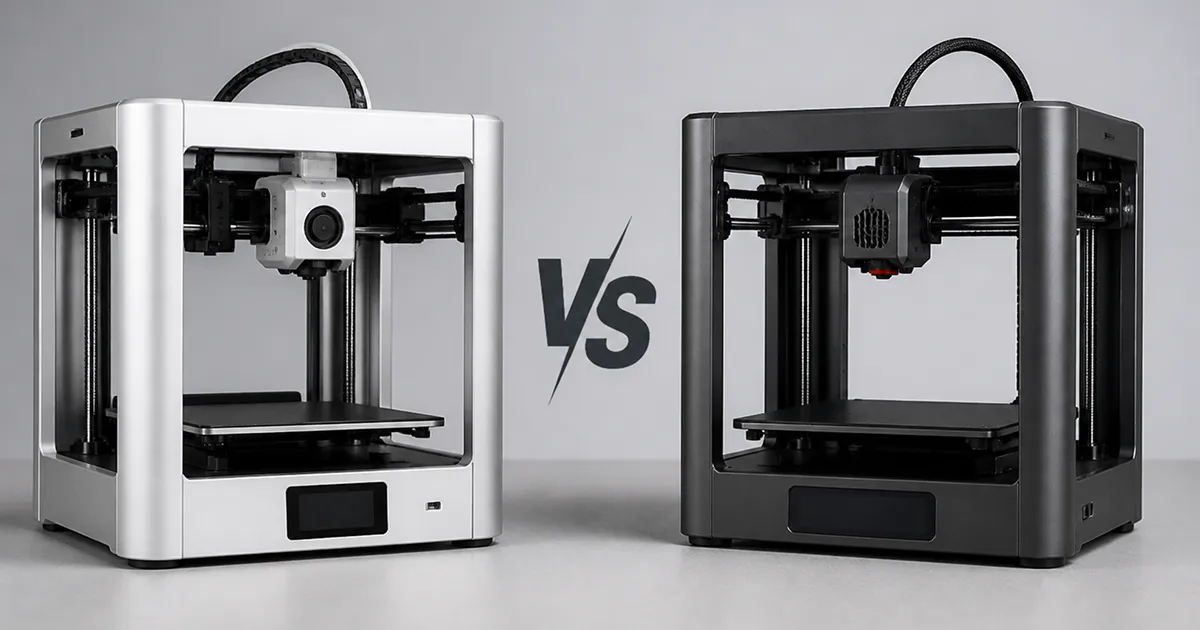
Bambu Lab discontinued the X1 Carbon in March 2026 and replaced it at the top of its compact lineup with the X2D — a dual-nozzle machine with an actively heated chamber, launched at less than the X1C once cost. If you own an X1C, or you were about to buy one second-hand, the real question is simple: what actually changes, and is the Bambu X2D vs X1C upgrade worth it for the filaments and prints you care about?
This is a research-based comparison built from manufacturer specifications and community reports — not lab testing. For background on the underlying technology, see fused filament fabrication. Below you’ll find a spec-by-spec table, what each change means in practice, what new materials the X2D unlocks, and a clear who-should-upgrade verdict.
Bambu X2D vs X1C: Spec Comparison
The two printers share the same compact 256 mm footprint and the same Bambu Studio ecosystem. The differences are concentrated in the toolhead, the chamber, and the price.
| Feature | Bambu X1 Carbon (2022–2026) | Bambu X2D (2026) |
|---|---|---|
| Nozzles | Single direct-drive | Dual: main direct-drive + auxiliary Bowden |
| Heated chamber | Passive warming only | Actively heated, up to 65°C |
| Dissolvable supports | No (same-material only) | Yes (second material on aux nozzle) |
| Max hotend temp | 300°C | 300°C |
| Heated bed | Up to 110°C | Up to 120°C |
| Motion rods | Carbon-fiber rods | Hardened steel rods |
| Filtration | Activated carbon | 3-stage: G3 + H12 HEPA + carbon |
| Flow calibration | Standard | Dynamic Flow Calibration (real-time) |
| Multi-color | Up to 16 (AMS) | Up to 25 (AMS 2 Pro daisy-chain) |
| Launch price | Significantly higher | $649 base / $899 Combo |
👉 Related: X2D filament compatibility: what works and what fails — the full nozzle-by-nozzle rules.
What Actually Changed (And Why It Matters)
1. Passive chamber → active 65°C chamber
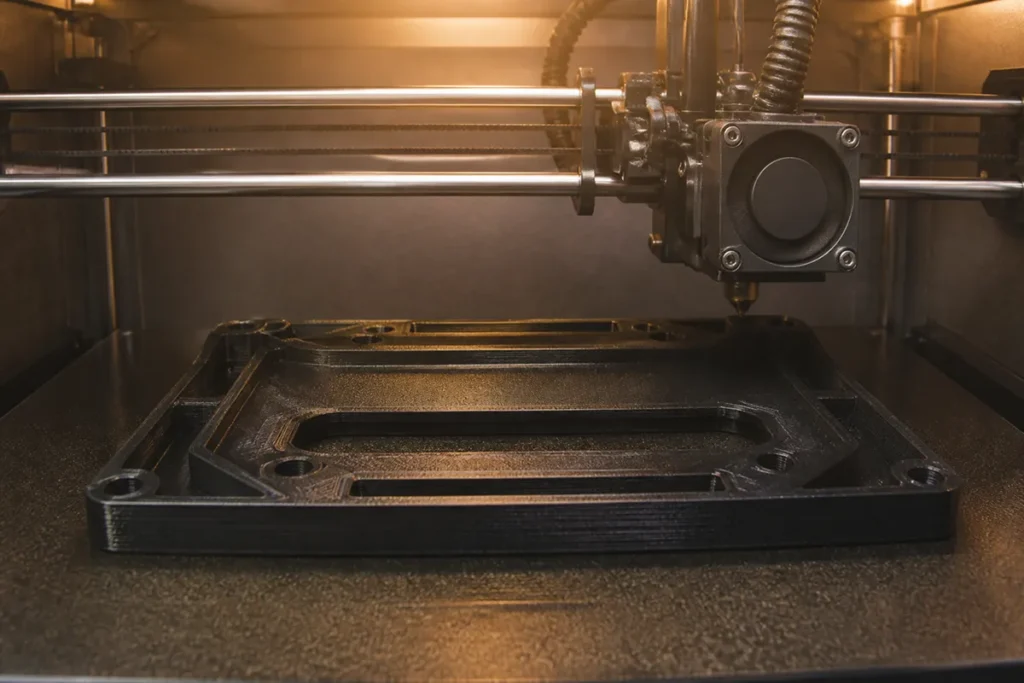
This is the single biggest upgrade. The X1C relied on the enclosure trapping ambient heat. The X2D actively heats the chamber and holds up to 65°C, distributing heat evenly so large parts cool slowly and stay flat. In practice that means ABS, ASA and most nylons print without the warping, cracking and layer-splitting that X1C owners fought with enclosure mods. It runs a Cool Mode for PLA/PETG too, so you don’t have to prop the door open.
2. Single nozzle → true dual extrusion
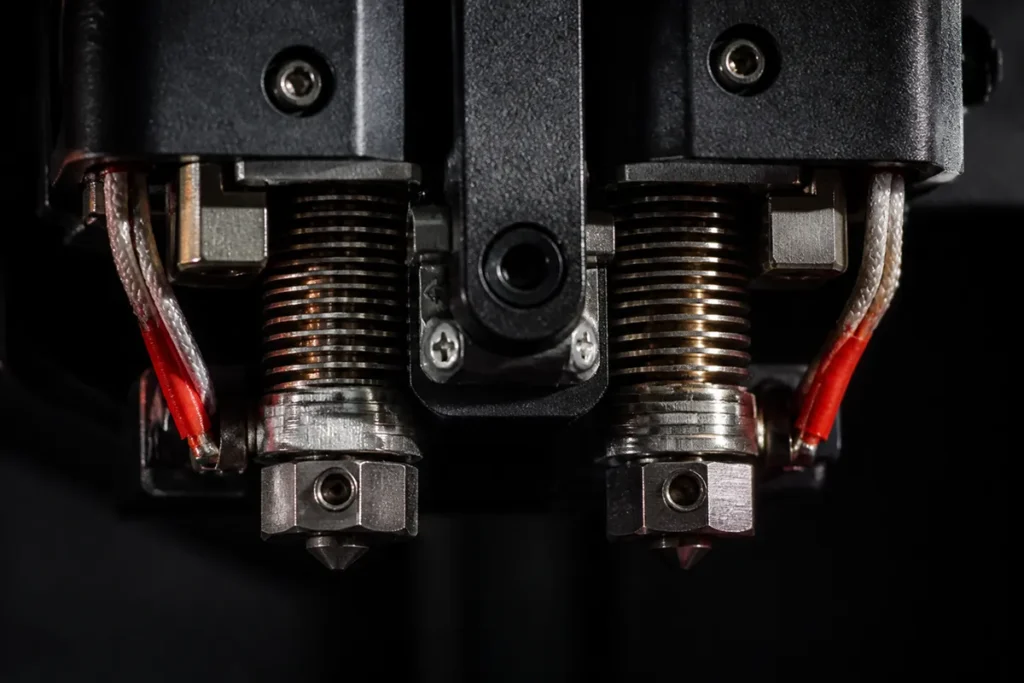
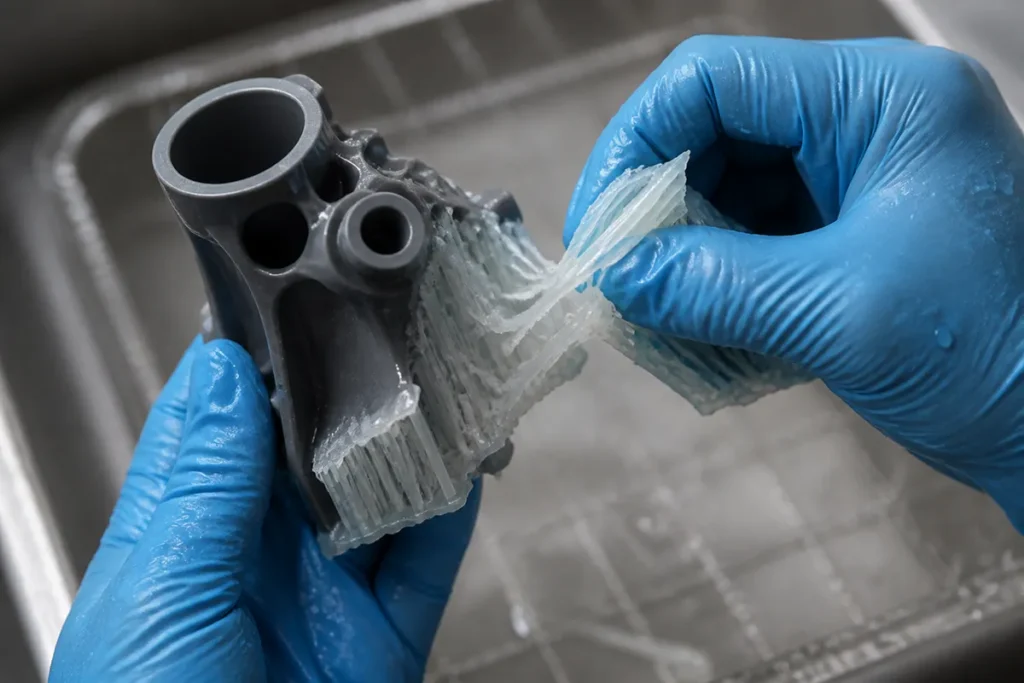
The X1C printed multi-color via the AMS but always through one nozzle — supports were the same material as the part, so removing them scarred the surface. The X2D adds a second, auxiliary Bowden nozzle. Print your model on the main nozzle and supports in a different material on the aux nozzle; because the two don’t fuse, supports peel or dissolve away cleanly. This is the X2D’s headline feature, and it’s something the X1C simply can’t do.
3. Carbon-fiber rods → hardened steel
A quieter but welcome change: the X2D swaps the X1C’s carbon-fiber motion rods for hardened steel, and uses quick-swap hardened-steel nozzles shared across the X2/H2/P2 family. Combined with Dynamic Flow Calibration — which adjusts extrusion in real time for nozzle wear, residue or slightly damp filament — the X2D is more forgiving of cheaper third-party spools than the X1C was.
4. The price inverted
The unusual part: the X2D launched below the X1C’s original price — $649 base, or $899 for the Combo with AMS 2 Pro. You’re getting a second nozzle, an active heated chamber and HEPA filtration for less than the single-nozzle machine it replaces. That reframes the whole upgrade question.
What the X2D Unlocks for Your Filament
In the Bambu X2D vs X1C decision, the upgrade isn’t really about speed — print quality on PLA and PETG is on par with the X1C. It’s about which materials become genuinely easy. Here’s what to stock if you move to an X2D:
- ABS & ASA — now print flat without an enclosure mod. ASA adds UV resistance for outdoor parts. See our best ABS & ASA filament guide.
- Nylon & PA-CF — the chamber plus 300°C hotend make carbon-fiber nylon practical; run it on the main nozzle with a hardened nozzle. Details in our carbon-fiber filament guide.
- Dissolvable supports (PVA/BVOH) — the dual-nozzle payoff. Soluble interface for clean PLA/PETG models.
- PLA & PETG — still the daily drivers, unchanged. Your existing spools carry straight over.
For the full breakdown by use case, see our dedicated guides: Best Filament for Bambu X2D and Best Filament for Bambu X1 Carbon.
Bambu X2D vs X1C: Who Should Upgrade?
Upgrade from the X1C if…
- You regularly print ABS, ASA, nylon or PC and you’re tired of warping and enclosure mods.
- You burn purge towers running multi-material prints — dual-nozzle supports cut waste dramatically.
- You sell or make functional parts in two materials (TPU + PLA, soluble supports + PETG).
- You want the soluble-support workflow that used to require a $3,000+ machine.
Keep your X1C if…
- You mostly print PLA and PETG — quality is on par, so there’s little to gain.
- You don’t need dissolvable supports or two-material prints.
- Your X1C is working well and budget is better spent on filament and a good dryer. See how to dry filament properly.
Cross-shopping the cheaper sibling instead? The single-nozzle Bambu P2S covers PLA/PETG brilliantly for less — the X2D’s extra $100–250 buys the second nozzle and active chamber.
Bambu X2D vs X1C FAQ
Is the Bambu X2D better than the X1C?
For engineering materials and multi-material printing, clearly yes — the active 65°C chamber and second nozzle are real upgrades. For plain PLA and PETG, print quality is comparable, so the X1C remains perfectly capable.
Can the X2D print the same filaments as the X1C?
Yes, and more. Everything the X1C printed (PLA, PETG, ABS, ASA, TPU, PA-CF) the X2D prints too, plus it handles ABS/ASA/nylon more reliably thanks to the heated chamber, and adds dissolvable support materials like PVA on the auxiliary nozzle.
Will my X1C filament and spools work on the X2D?
Yes. Both use standard 1.75 mm filament and the same Bambu Studio profiles and AMS hardware. Your existing spools carry straight over — just keep TPU on the main nozzle.
Why was the X1 Carbon discontinued?
Bambu retired the X1C in March 2026 and positioned the X2D as its direct successor — same compact footprint, but with dual extrusion and an active chamber at a lower launch price.
FilamentPicks.com is a participant in the Amazon Services LLC Associates Program, an affiliate advertising program. We may earn a commission from qualifying purchases made through links on this page, at no extra cost to you. Comparisons are based on manufacturer specifications and community research, not independent lab testing.