

The Bambu A1 Mini is a PLA machine first and everything else second, so choosing the best PLA filament for the A1 Mini is the single decision that most affects your print quality. Its 180 × 180 × 180 mm bed, open frame and roughly 80 °C plate ceiling make it superb for PLA and PETG and poorly suited to high-temperature materials. Below we rank the best PLA filament for Bambu A1 Mini choices. This guide ranks seven PLA spools that A1 Mini owners consistently recommend, with the profiles and trade-offs that actually matter on this printer.
This is a research-based guide built from manufacturer specifications, published data sheets and documented community reports — not hands-on testing in our own workshop. Where owners disagree, we note it rather than paper over it.
Quick answer: the best PLA for the Bambu A1 Mini in 2026
Start with our seven-spool Bambu Lab shortlist, then compare drying and storage essentials in one place.
| Use case | Pick | Approx. price | Why it wins |
|---|---|---|---|
| Best overall | Polymaker PolyTerra PLA | ~$20–23/kg | Matte finish that hides layer lines, reliable AMS Lite feeding, and a colour range that stays consistent between orders. |
| Best strength | eSUN PLA+ | ~$18–20/kg | Tougher than standard PLA with ±0.03 mm tolerance — the go-to for functional parts that need to survive a drop. |
| Best value | Overture PLA | ~$16–18/kg | Consistent diameter and clean printing at a budget price; feeds through the AMS Lite without fuss. |
| Best zero-setup | Bambu PLA Basic | ~$20–25/kg | RFID auto-detection means the A1 Mini loads the right profile with no manual setup. |
| Best budget bulk | SUNLU PLA | ~$14–16/kg | Surprisingly consistent for the price — the sensible choice for high-volume everyday printing. |
| Best silk look | Polymaker Silk PLA | ~$22–26/kg | Glossy sheen for display prints; the A1 Mini’s clean motion shows silk off well. |
| Best matte range | Bambu PLA Matte | ~$20–25/kg | Wide matte colour palette with RFID; excellent for multi-colour AMS Lite work. |
👉 See also: PLA vs PLA+ for Bambu Lab — which one to actually use.
Why PLA is the right default for the A1 Mini
The best PLA filament for Bambu A1 Mini plays to the machine’s strengths. The A1 Mini is an open-frame printer with a bed that tops out around 80 °C in practice. That combination is ideal for PLA and PETG and actively works against ABS, ASA and other high-temperature materials, which need an enclosed chamber and a hotter bed to avoid warping and delamination. Trying to force those materials on an A1 Mini fights the machine; leaning into PLA plays to its strengths.
| Spec | A1 Mini | What it means |
|---|---|---|
| Build volume | 180 × 180 × 180 mm | COMPACT Smaller than the full A1 (256 mm) — plan larger models in sections. |
| Bed temp (practical) | ~80 °C | PLA-READY Plenty for PLA (typically 55–65 °C) but short of what ABS needs. |
| Chamber | Open frame | NO ABS/ASA No enclosure means high-temp materials warp. Stick to PLA, PETG, TPU. |
| Max nozzle temp | 300 °C | AMPLE Far above PLA’s 190–220 °C range. |
| Multi-colour | AMS Lite only | LITE Up to 4 colours. The regular AMS is not compatible with the A1 series. |
| Stock nozzle | Stainless steel | SWAP FOR CF Plain PLA is fine; PLA-CF or glow-in-the-dark PLA needs a hardened nozzle. |
The best PLA filament for Bambu A1 Mini is standard PLA for most jobs. One important caveat for abrasive PLA: the A1 Mini ships with a stainless-steel nozzle, and Bambu explicitly warns against running carbon-fibre, glass-fibre or glow-in-the-dark PLA through it without swapping to a hardened nozzle first. Those particles chew through stainless steel quickly.
The 7 best PLA filaments for the Bambu A1 Mini
Each of these is a strong candidate for the best PLA filament for Bambu A1 Mini owners, sorted by the job it does best. Prices are approximate and shift with colour and sale period.
1. Polymaker PolyTerra PLA — the best all-rounder
If you want the single best PLA filament for Bambu A1 Mini, PolyTerra is the spool most owners land on and stay with. The matte finish hides layer lines that the A1 Mini’s fast motion would otherwise reveal, the diameter is consistent enough to feed the AMS Lite reliably, and the colour range is broad without the price climbing into premium territory. It is also one of the more environmentally conscious options, wound on cardboard rather than plastic. For general printing on this machine, it is the safe default.
Check current price on Amazon →
2. eSUN PLA+ — the strength pick
Among the best PLA filament for Bambu A1 Mini options for strength, standard PLA is brittle while eSUN’s PLA+ is formulated to be tougher, which matters the moment you print something that gets handled, dropped or stressed. It holds a ±0.03 mm tolerance and prints cleanly at the A1 Mini’s stock PLA speeds. Community round-ups repeatedly name it the best overall PLA for Bambu machines. If you print functional parts rather than display pieces, start here.
Check current price on Amazon →
3. Overture PLA — the value default
As a value choice for the best PLA filament for Bambu A1 Mini, Overture built its reputation on consistent, well-packaged filament for less than the premium brands charge, and its PLA is the clearest example. Diameter consistency is good, it feeds through the AMS Lite without jams, and multipack pricing brings the per-kilogram cost down further. There is no dedicated Bambu Studio preset, but PLA is forgiving enough that the Generic PLA profile prints well straight away.
Check current price on Amazon →
4. Bambu PLA Basic — the zero-setup option
If you value never touching a setting, the best PLA filament for Bambu A1 Mini is Bambu PLA Basic. The RFID tag tells the A1 Mini exactly what it is loading, so the correct profile is applied automatically and multi-colour AMS Lite prints just work. It prints beautifully — the caveat is simply price and lock-in: you pay a premium, and the RFID advantage evaporates the moment you use any other filament.
Check current price on Amazon →
5. SUNLU PLA — the budget bulk choice
For budget bulk, the best PLA filament for Bambu A1 Mini is SUNLU — at $14–16/kg the cheapest PLA worth loading, and it is more consistent than its price suggests. For a beginner burning through spools learning the machine, or anyone printing large volumes of everyday parts, the savings add up fast. It is not the filament for a showpiece — colour depth and surface finish are ordinary — but for functional prints it punches above its cost.
Check current price on Amazon →
6. Polymaker Silk PLA — the display-piece pick
Silk PLA trades strength for looks: a glossy, almost metallic sheen that makes vases, figures and decorative prints pop. The A1 Mini’s clean, well-tuned motion shows silk finishes off particularly well. Do not use it for functional parts — silk PLA is more brittle than standard PLA — but for anything meant to be looked at rather than used, it is the standout.
Check current price on Amazon →
7. Bambu PLA Matte — the best multi-colour range
If you run the AMS Lite for multi-colour work and want a wide, coordinated matte palette, Bambu’s PLA Matte line is hard to beat. The matte surface hides layer lines like PolyTerra, the RFID tag removes setup friction, and the colour range is designed to work together. It costs more than third-party matte PLA, but for four-colour prints where colours need to match, that convenience is worth paying for.
Check current price on Amazon →
PLA print settings for the Bambu A1 Mini
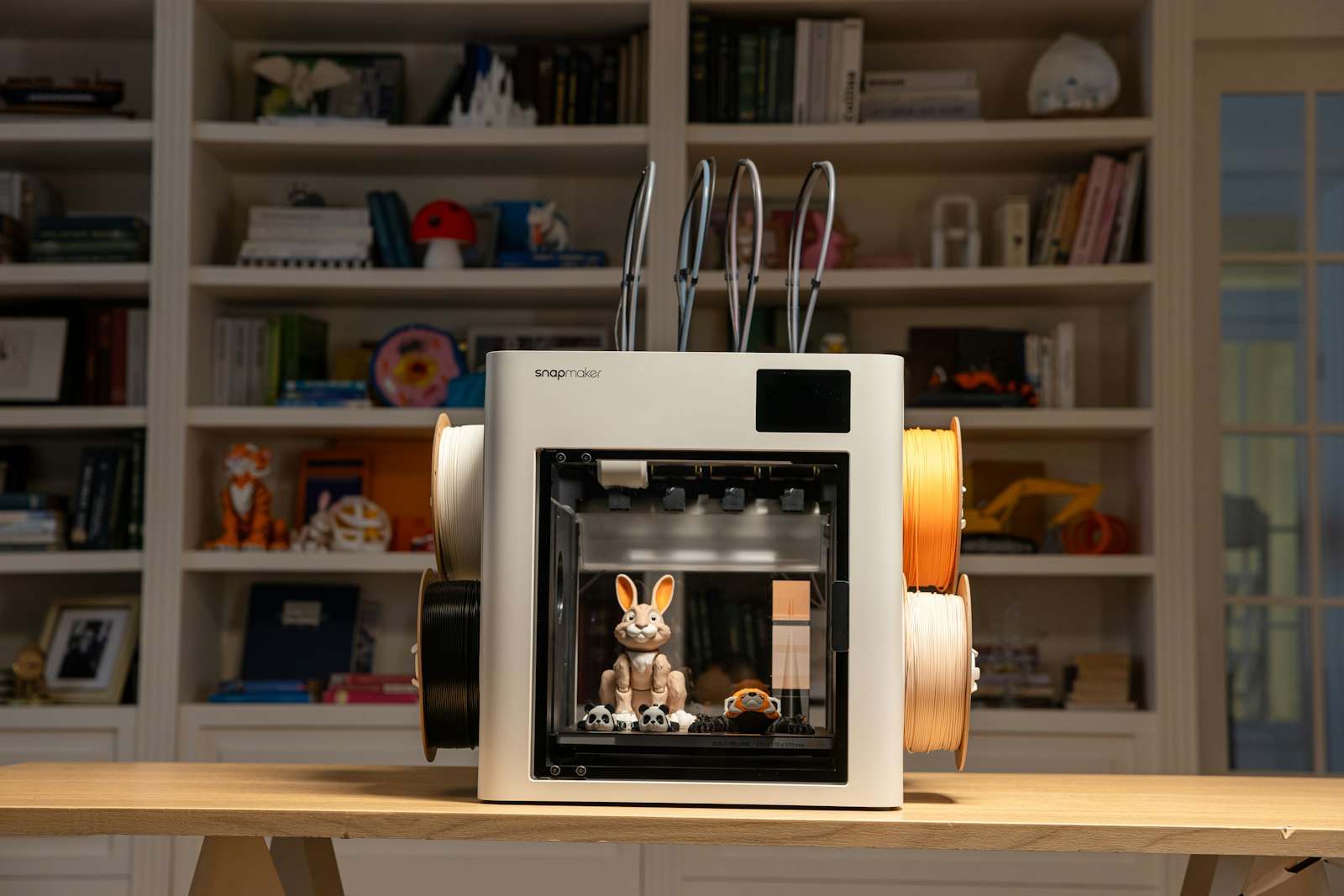
Dialing in the best PLA filament for Bambu A1 Mini is easy. PLA is the most forgiving common filament, and the A1 Mini’s auto-calibration does most of the work. These are starting points from manufacturer data and community profiles — let the printer run its calibration after loading a new brand and adjust from there.
| Filament | Nozzle | Bed | Speed | AMS Lite |
|---|---|---|---|---|
| Polymaker PolyTerra | 200–220 °C | 55–60 °C | up to 250 mm/s | RELIABLE |
| eSUN PLA+ | 210–220 °C | 55–60 °C | up to 250 mm/s | RELIABLE |
| Overture PLA | 200–215 °C | 55–60 °C | up to 250 mm/s | RELIABLE |
| Bambu PLA Basic | 220 °C | 55–65 °C | RFID profile | AUTO |
| SUNLU PLA | 200–215 °C | 55–60 °C | up to 200 mm/s | USUALLY OK |
| Polymaker Silk | 215–230 °C | 55–60 °C | up to 150 mm/s | SLOWER |
| Bambu PLA Matte | 220 °C | 55–65 °C | RFID profile | AUTO |
Frequently asked questions
What is the best PLA filament for the Bambu A1 Mini?
For most owners, the best PLA filament for Bambu A1 Mini is Polymaker PolyTerra PLA — the all-round choice: a matte finish that hides layer lines, reliable AMS Lite feeding and a broad colour range at a mid-range price. If you print functional parts that need to be tough, eSUN PLA+ is the better pick; if budget is the priority, Overture or SUNLU deliver clean prints for less.
Does third-party PLA work with the A1 Mini and AMS Lite?
Yes. The best PLA filament for Bambu A1 Mini need not be a Bambu spool — standard PLA from Polymaker, eSUN, Overture and SUNLU all feed through the AMS Lite reliably. You lose the RFID auto-profile that Bambu spools get, so you assign a Generic PLA profile manually — but PLA is forgiving and the A1 Mini’s auto-calibration handles the rest.
Can the A1 Mini print PLA-CF or glow-in-the-dark PLA?
For abrasive variants, the best PLA filament for Bambu A1 Mini setups use a hardened nozzle. Only after swapping the nozzle can you run PLA-CF safely. The A1 Mini ships with a stainless-steel nozzle, and abrasive filaments like PLA-CF, PLA-GF and glow-in-the-dark PLA will wear it down quickly. Install a hardened-steel nozzle first, then these materials print fine.
What bed temperature should I use for PLA on the A1 Mini?
The best PLA filament for Bambu A1 Mini prints cool. Start at 55–60 °C. PLA does not need a hot bed, and the A1 Mini’s roughly 80 °C ceiling is far more than PLA requires. The textured PEI plate gives good adhesion without glue for most PLA; a clean plate matters more than a hot one.
Why can the A1 Mini not use the regular AMS?
When feeding the best PLA filament for Bambu A1 Mini through multi-colour, note the A1 series is only compatible with the AMS Lite, not the enclosed AMS used by the P1 and X1 machines. The AMS Lite is an open four-spool feeder that supports up to four colours — enough for most multi-colour PLA work on the A1 Mini.