

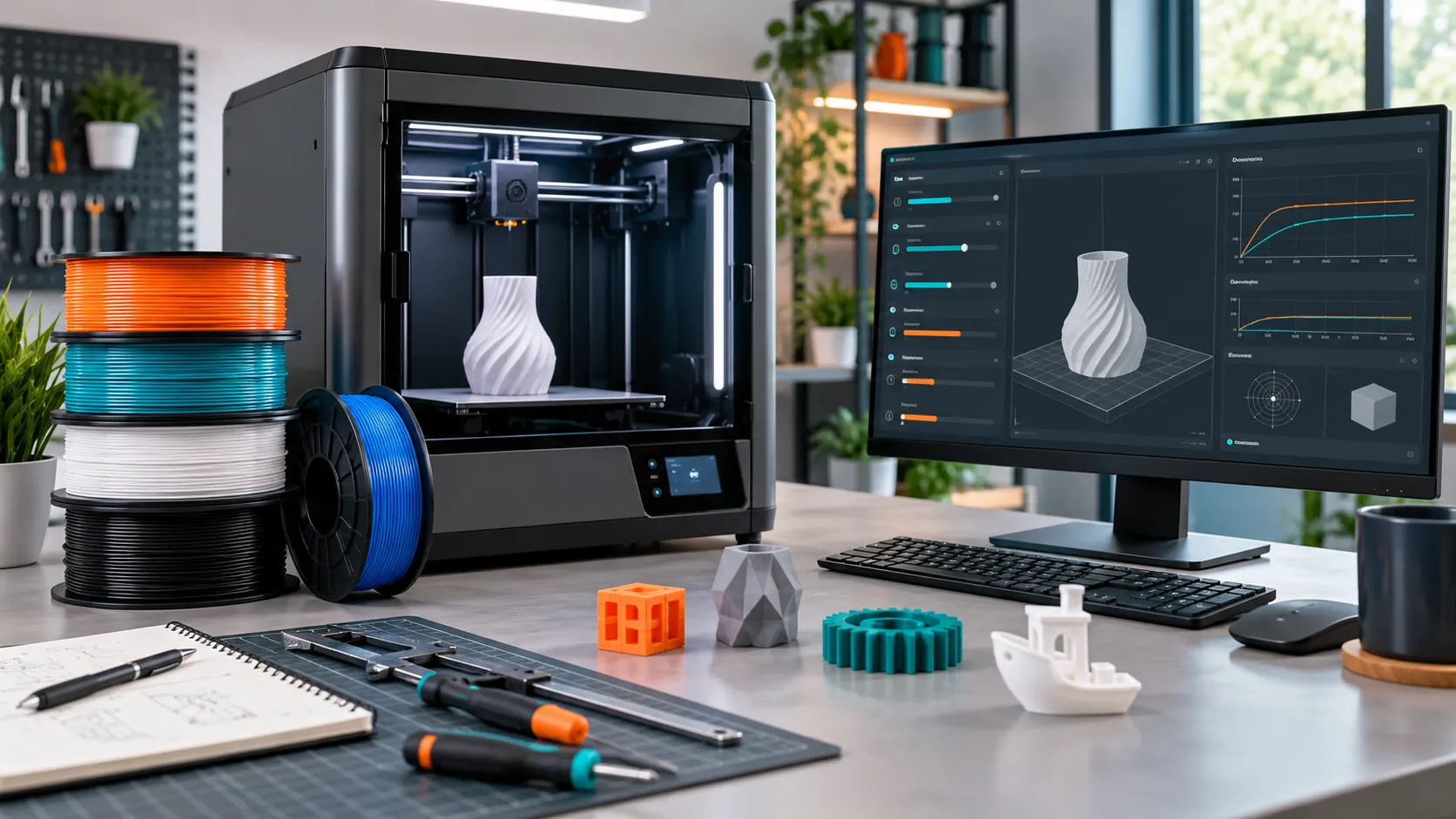
Polymaker LayerHub is a new community library for printer-and-filament-specific slicer profiles. It launches with roughly 400 presets and supports Bambu Studio, OrcaSlicer and PrusaSlicer—giving Bambu Lab users a faster starting point for third-party filament without pretending one profile works on every printer.
Research-based guide, updated September 2026. This article explains the platform using Polymaker’s published calibration method and current launch reporting. We do not claim to have physically tested every community profile. Some links on this page are affiliate links: if you buy through them, FilamentPicks may earn a commission at no extra cost to you. See the Affiliate Disclosure.
What Is Polymaker LayerHub?
Polymaker introduced LayerHub in September 2026 to reduce one of desktop printing’s most repetitive jobs: finding a usable filament preset. Instead of searching scattered Reddit posts or copying temperatures from a product review, users can filter profiles by slicer, filament brand, material, printer brand and exact model.
At launch, reporting identified close to 400 matched profiles. Polymaker presets naturally make up much of the library, while 3DFuel is also represented and additional brands are expected. Supported slicers include Bambu Studio, OrcaSlicer and PrusaSlicer.
| LayerHub feature | Practical benefit | What to verify |
|---|---|---|
| Printer-specific filters | Avoids generic settings that ignore hotend and cooling differences | Exact model, nozzle diameter and hardware revision |
| Slicer-specific downloads | Profiles target Bambu Studio, OrcaSlicer or PrusaSlicer | Slicer version and import scope |
| Proof of Print | A real print photo accompanies submitted profiles | Photo relevance and community feedback |
| Shared calibration method | Contributors tune variables in a consistent order | That all six steps were completed |
| Community validation | Profiles can improve through feedback | Recent reviews for your machine and material |
Why LayerHub Matters for Bambu Lab Owners
Bambu’s RFID workflow is convenient with first-party spools, but many users prefer third-party materials for color, price or engineering properties. The friction begins when a spool has no exact built-in profile. A generic PLA or PETG preset may print, yet maximum volumetric flow, pressure advance, cooling and retraction can still be wrong.
LayerHub addresses the gap between a filament manufacturer’s broad temperature range and a genuinely printer-specific preset. That complements our guide to adding third-party filament in Bambu Studio and the detailed PETG settings for Bambu Lab.
Can You Trust a LayerHub Profile?
LayerHub requires a Proof of Print: a photograph of an object printed with the submitted preset. That is better than an anonymous list of numbers, but it is not laboratory certification. A photo cannot prove hidden layer strength, dimensional accuracy or safe temperatures.
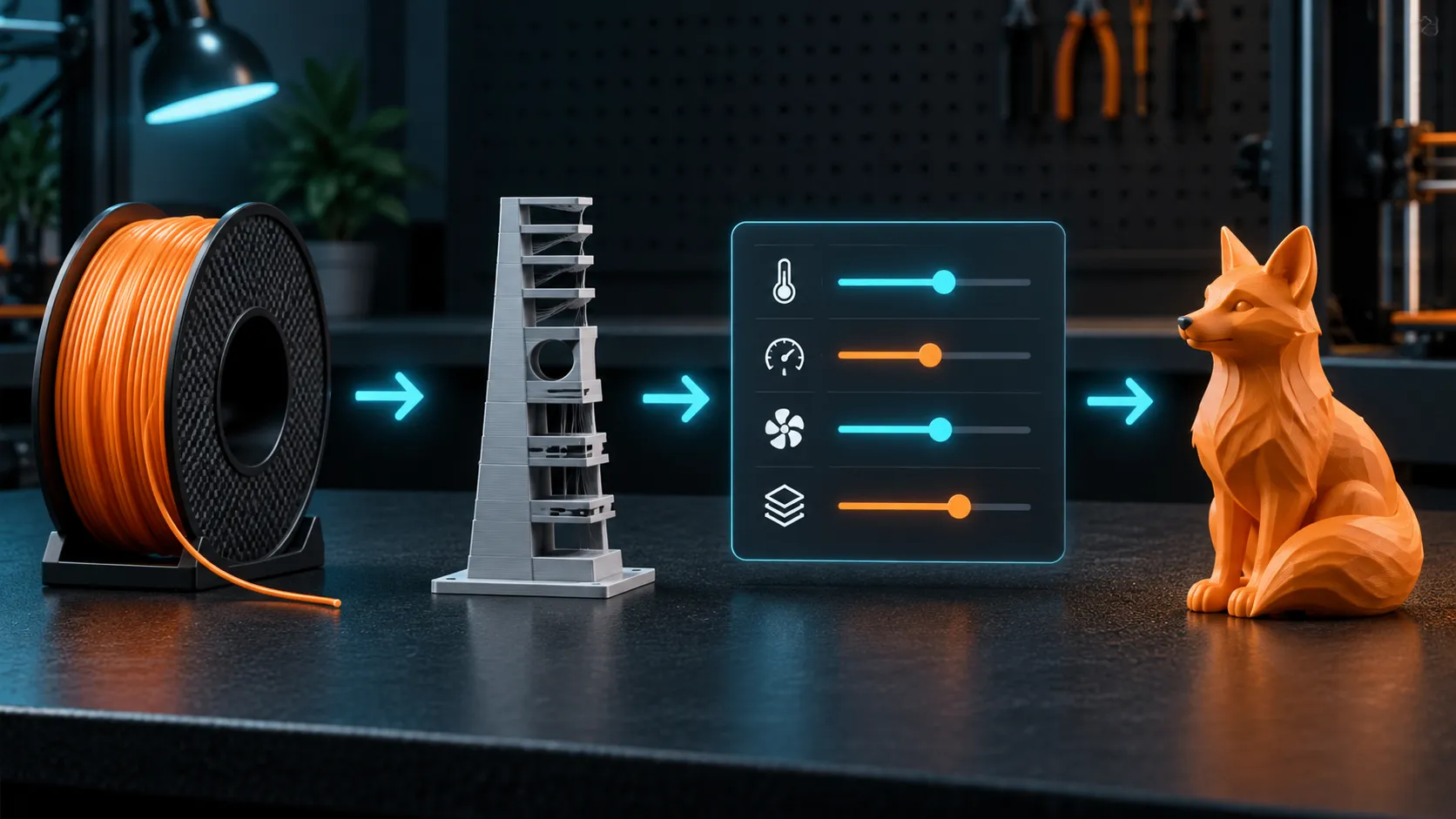
The stronger trust signal is process. Polymaker publishes a six-stage calibration order, and the test files are available from its GitHub repository. Because each variable is tuned after the previous one, contributors are less likely to compensate for one bad value by distorting another.
| Signal | Strong profile | Warning sign |
|---|---|---|
| Exact match | Same printer, nozzle, material and slicer | Similar printer only, or nozzle not stated |
| Evidence | Clear Proof of Print plus useful notes | Single beauty shot with no settings context |
| Community | Recent positive validation from multiple users | No feedback or unresolved failure reports |
| Limits | Conservative temperature and flow inside manufacturer range | Extreme values without explanation |
How to Use Polymaker LayerHub Safely
Filter to an exact hardware match
Select Bambu Studio or OrcaSlicer, then your printer, nozzle diameter, material family and filament name. Do not treat A1, P1S and X1C profiles as interchangeable.
Read the profile page before downloading
Check the creator, Proof of Print, calibration notes, date, slicer version and community feedback. Prefer official or repeatedly validated presets.
Import without overwriting your known-good preset
Create a clearly named copy such as “Polymaker PETG – P1S – 0.4 – LayerHub Sep 2026.” Versioning makes rollback easy.
Inspect high-impact values
Review nozzle temperature, bed temperature, maximum volumetric speed, flow ratio, pressure advance, cooling, retraction and filament density before printing.
Run a small validation print
Use a compact model that exposes first-layer quality, corners, bridges, seams and surface finish. Do not begin with a 20-hour part.
Adjust one variable at a time
If the result needs work, preserve the LayerHub baseline and create a local variant. Record what changed and why.
The Six-Step LayerHub Calibration Order
Polymaker’s published sequence is valuable even when no exact downloadable profile exists. The order reduces interactions between variables:
| Order | Calibration | What it controls |
|---|---|---|
| 1 | Cooling | Overhang behavior, surface consistency and layer bonding |
| 2 | Print temperature | Flow, bonding, gloss and stringing balance |
| 3 | Maximum volumetric speed | The material’s reliable flow ceiling |
| 4 | Flow ratio | Extrusion quantity and wall accuracy |
| 5 | Pressure advance | Corner quality and changing-speed extrusion |
| 6 | Retraction | Travel stringing after temperature and flow are stable |
This order also explains why random internet settings often disappoint: a retraction value copied before temperature and flow are stabilized may hide one symptom while creating another. For PETG specifically, combine the process with our PETG stringing diagnosis and PETG drying chart.
LayerHub vs Built-In Bambu Profiles
Use the built-in Bambu profile when it exactly matches a Bambu filament and your printer. It is simpler and integrates with RFID. Use LayerHub when you need a third-party material, a less common engineering filament, or a more specific starting point than the generic system preset.
For buyers comparing Bambu and third-party PETG, our Bambu PETG Basic vs Polymaker PETG guide explains the material tradeoffs. If you choose Polymaker, LayerHub may reduce the setup work that previously came with leaving the Bambu ecosystem.
Amazon links use tag filamentpicks-20. Use Polymaker code BALUTAVLAD for 15% off your first order. Eligible purchases may support FilamentPicks at no extra cost to you.
FilamentPicks Verdict
Polymaker LayerHub is one of the most useful filament tools launched in 2026 because it organizes profiles around the exact printer-material pair and publishes a repeatable calibration method. Its best role is not replacing judgment; it is replacing guesswork. Start with a well-matched profile, inspect the values, validate it locally, and keep your own versioned copy.
Frequently Asked Questions
Does LayerHub support Bambu Studio?
Yes. Launch coverage lists Bambu Studio alongside OrcaSlicer and PrusaSlicer. Available profiles still depend on the exact filament and printer filters.
Are LayerHub profiles only for Polymaker filament?
No. Polymaker is the founding brand, but 3DFuel profiles were also present at launch and more brands are expected.
Can a profile damage a printer?
An imported preset can contain unsuitable temperatures, speeds or flow limits. Always inspect values against the printer and filament manufacturer’s limits before running it.
Should I recalibrate every spool?
Usually a verified profile plus a small validation print is enough for ordinary PLA or PETG. Recalibrate when changing material formulation, nozzle size, printer model, or when quality and strength requirements are tight.