

The Bambu PETG HF stringing fix is simpler than most guides suggest. Stringing starts of the most frustrating issues you can run into with PETG HF on Bambu Lab printers. Fine threads of filament connecting surfaces that should be clean — it looks bad, it’s a pain to remove, and it shouldn’t be happening on a printer this capable. The good news: stringing with PETG HF is almost always fixable, and usually with just one or two setting changes.
Product Update — June 2026
Bambu Lab PETG HF has been discontinued. Bambu relaunched PETG Basic in March 2026 with a reformulated compound designed to reduce moisture sensitivity and stringing. If you’re currently using PETG HF settings, note that PETG Basic is not a direct drop-in — recalibrate your speed and temperature profiles. Stock of PETG HF may still be available from third-party sellers while supplies last.
FilamentPicks is reader-supported. Some links on this page are affiliate links — as an Amazon Associate we earn from qualifying purchases, at no extra cost to you.
This guide covers the actual causes of stringing with Bambu PETG HF specifically, and the exact settings to change in Bambu Studio to eliminate it. No generic PETG advice — this is tuned for Bambu hardware.
Why PETG HF Strings More Than Standard PETG
PETG HF is engineered for high volumetric flow — it melts faster and flows more easily than standard PETG. That’s exactly what makes it perform well at 200+ mm/s. But it also means it’s more prone to oozing during travel moves, which is the direct cause of stringing.
Standard PETG is thicker and more viscous at the same temperature. PETG HF’s lower viscosity means that even a small drop in retraction efficiency or a slightly wrong temperature creates visible strings. The system profile in Bambu Studio handles this well out of the box, but any deviation from it — higher temperatures, faster retracts, wrong filament type selected — can bring stringing back quickly.
The three main causes of Bambu PETG HF stringing: temperature too high, retraction too weak, or filament that’s absorbed moisture.
Quick Diagnosis: What’s Causing Your Strings?
| Symptom | Likely Cause | Fix |
|---|---|---|
| Thin hair-like strings everywhere | ⚠️ Temp too high | ✅ Lower nozzle by 5°C |
| Thick blobs + strings between parts | ⚠️ Retraction too weak | ✅ Increase retraction distance |
| Strings + popping/crackling sounds | ⚠️ Wet filament | ✅ Dry at 65°C for 6h |
| Strings only on small details | ⚠️ Travel speed too low | ✅ Increase travel speed to 200+ mm/s |
| Strings after switching from another filament | ⚠️ Wrong filament profile selected | ✅ Select PETG HF system profile |
Fix 1: Lower the Nozzle Temperature

The PETG HF system profile defaults to 260–265°C. If you’re seeing fine, hair-like strings across the whole print, the nozzle is too hot for your specific conditions. Drop it by 5°C (to 255–260°C) and print a stringing test.
How to change it in Bambu Studio:
- Go to Filament settings → select your PETG HF profile
- Under Basic, find Nozzle temperature
- Lower the first value by 5°C (e.g. 265°C → 260°C)
- Do not change the first layer temperature separately unless you have adhesion issues
Don’t drop below 250°C — PETG HF needs heat to flow properly. Under 250°C you’ll trade stringing for under-extrusion and poor layer bonding.
Fix 2: Adjust Retraction Settings
Retraction pulls the filament back slightly during travel moves to prevent oozing. PETG HF’s low viscosity means it responds well to retraction — but too little and it oozes, too much and you get grinding or clogs in the hotend.
Recommended retraction settings for Bambu PETG HF:
| Setting | System Profile Default | Try If Stringing Persists |
|---|---|---|
| Retraction distance | 0.4–0.6 mm | ✅ 0.6–0.8 mm |
| Retraction speed | 40–45 mm/s | Keep the same |
| Retract on layer change | Enabled | Keep enabled |
| Wipe before retract | Enabled | Keep enabled |
The Bambu PETG HF stringing fix for retraction: go to Process → Quality → Retraction. Increase retraction distance by 0.2mm increments. Do not exceed 1.0mm on Bambu’s direct-drive extruder — it’s a short path system and over-retraction causes more problems than stringing.
Fix 3: Dry Your Filament
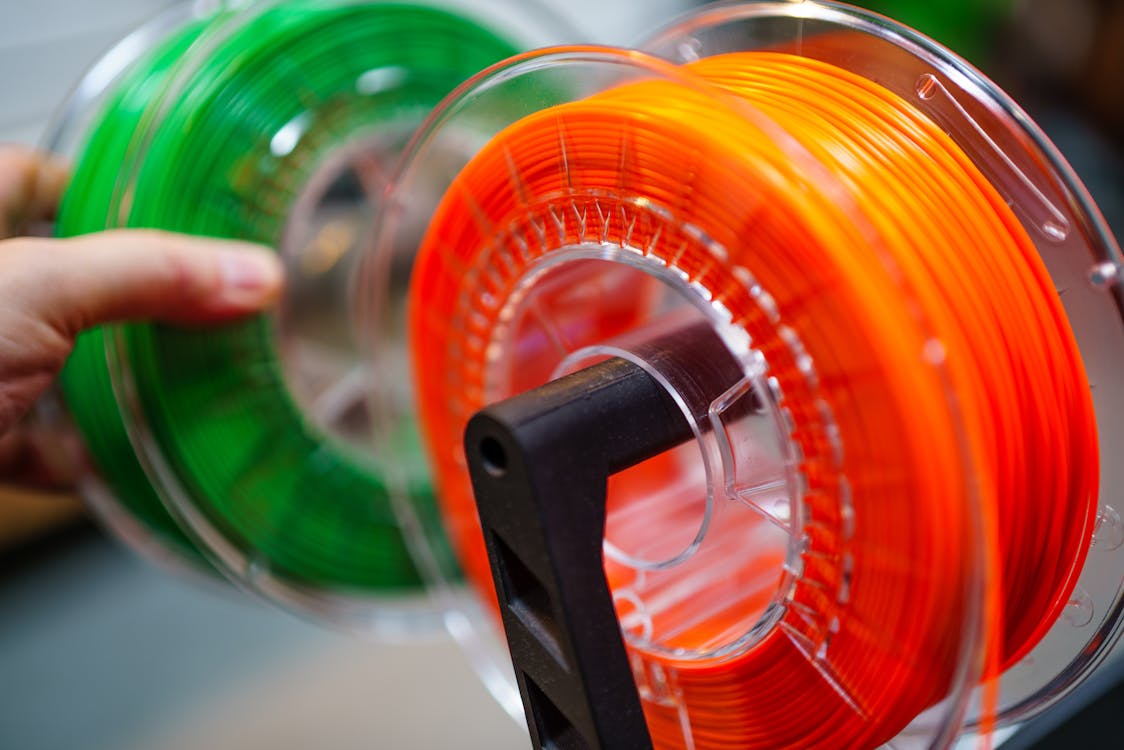
This is the fix most people skip, and it’s often the actual problem. PETG HF absorbs moisture quickly — faster than standard PETG due to its modified formulation. Wet filament shows as:
- Popping or crackling sounds during printing
- Irregular surface texture with tiny bubbles
- Strings that are inconsistent — worse in some areas than others
- Failed stringing tests even after lowering temperature and increasing retraction
If you’re seeing any of these alongside stringing, dry the filament before changing any other settings. Drying at the wrong temperature is also a common mistake — PETG HF should be dried at 65°C for 6 hours, not 50°C (too low) and not 80°C (risks warping the spool).
A filament dryer with a proper temperature controller is the most reliable solution. The SUNLU Filament Dryer S2 on Amazon is the community’s most recommended option for Bambu users — fits standard 1kg spools, reaches 65°C accurately, and can run while printing.
Fix 4: Increase Travel Speed
During travel moves (when the nozzle moves without extruding), slower speeds give the filament more time to ooze. PETG HF at high temperatures oozes quickly, so slow travels = more strings.
Bambu Studio’s PETG HF profile already sets travel speed high, but if you’ve modified the process profile manually, check that travel speed is at least 200 mm/s. To verify: Process → Speed → Travel speed. If it’s set below 150 mm/s, raise it.
Fix 5: Enable or Check Combing Mode
Combing is a Bambu Studio setting that routes travel moves over already-printed areas instead of across open air. When the nozzle travels over existing material instead of open space, any ooze lands on a surface that will be covered — not as a visible string.
To check: Process → Quality → Avoid crossing wall. Make sure this is enabled. On PETG HF, this alone can eliminate the majority of visible stringing on prints with lots of travel moves.
What NOT to Do
A few common “fixes” that actually make things worse with PETG HF:
- Increasing fan speed to cool strings faster — PETG HF doesn’t like high fan speeds. Over-cooling causes layer splitting and warping. Keep fans at 20–40%, not 100%.
- Switching to a generic PETG profile — the generic profile runs lower volumetric speeds which can actually increase stringing by slowing the print without adjusting retraction to match.
- Setting retraction above 1.0mm — Bambu’s direct drive system doesn’t need long retracts. Too much retraction causes grinding and heat creep.
- Printing without enclosure on P1S/X1C and increasing temp to compensate — ambient temperature fluctuations are a hidden cause of inconsistent stringing.
Recommended Stringing Test
Before and after each setting change, print a stringing test. The community standard is the “Stringing Temperature Tower” on Printables — it prints a small tower while stepping down nozzle temperature every few millimeters, so you can see exactly which temperature gives the cleanest result for your specific roll of PETG HF.
Search Printables for: “temperature tower PETG” — use one with 5°C steps between 250–270°C.
Bambu PETG HF Stringing Fix: Full Settings Checklist
| Setting | Recommended Value | Where to Find It |
|---|---|---|
| Nozzle temperature | ✅ 255–265°C | Filament → Basic |
| Bed temperature | ✅ 70–75°C | Filament → Basic |
| Retraction distance | ✅ 0.4–0.8 mm | Process → Quality |
| Retraction speed | ✅ 40–45 mm/s | Process → Quality |
| Travel speed | ✅ 200+ mm/s | Process → Speed |
| Fan speed | ✅ 20–40% | Filament → Cooling |
| Avoid crossing wall | ✅ Enabled | Process → Quality |
| Filament moisture | ✅ Dry 65°C / 6h if in doubt | Before printing |
FAQ
Why does my PETG HF string more than regular PETG?
PETG HF has a lower viscosity by design — it’s engineered to flow at higher speeds. Lower viscosity means it oozes more easily during travel moves. The system profile compensates for this, but any deviation (higher temp, slower travel, wet filament) amplifies the effect.
Is stringing normal with PETG HF?
Minor stringing on fine details is normal and expected. Heavy stringing across all travel moves is not — it indicates a settings or moisture problem. With the correct Bambu Studio profile and dry filament, PETG HF should print as clean or cleaner than standard PETG on Bambu hardware.
Should I use the PETG HF profile or Generic PETG in Bambu Studio?
Always use the PETG HF system profile if you’re using Bambu’s PETG HF filament. The Generic PETG profile runs different volumetric speeds and retraction values that are not optimized for HF formulation and can make stringing worse.
How do I know if my PETG HF is wet?
Listen while printing: a wet spool pops and crackles as steam escapes from moisture in the filament. Look at the surface: tiny bubbles or inconsistent texture alongside stringing is a reliable sign. Dry it first before changing any other settings.
Can I print PETG HF without a dryer?
Yes, if you use the spool quickly after opening and store it in a sealed bag with desiccant between prints. In humid climates, PETG HF can absorb noticeable moisture within 24–48 hours of exposure. A filament dryer eliminates the variable entirely.
Recommended Accessories
These are the accessories that actually help with PETG HF stringing, based on community recommendations:
- Filament dryer: SUNLU S2 Filament Dryer on Amazon — dries while printing, accurate to 65°C
- Desiccant for storage: Silica gel desiccant packs on Amazon — put in bag with spool between sessions
Related: Bambu Lab PETG Compatibility Guide | Bambu PETG HF vs Polymaker PETG | Best PETG Filament for Bambu Lab