

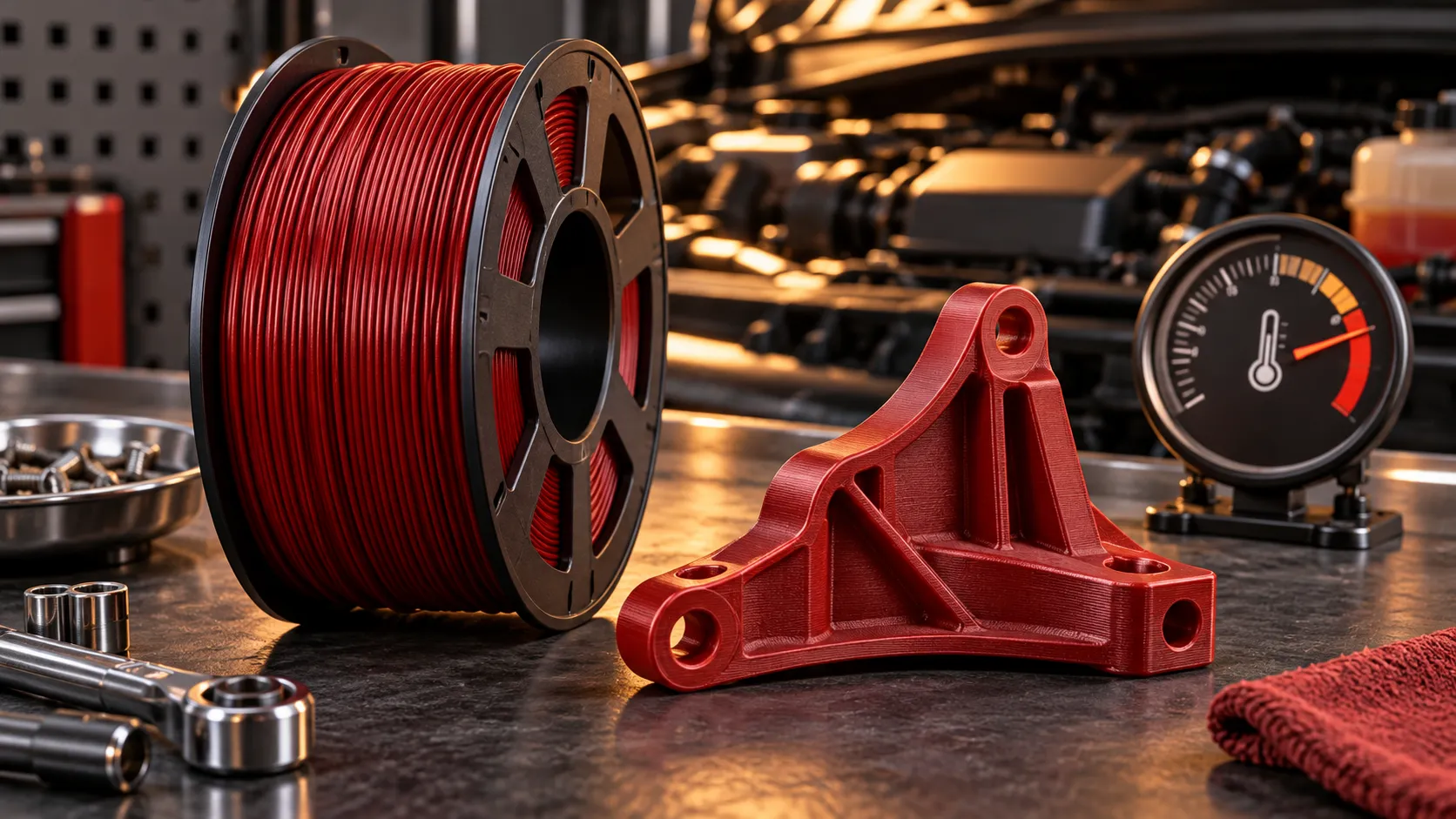
Polymaker HT-PLA Pro is a new tough PLA aimed at functional parts that need easier printing and better heat stability. The headline claim—holding its shape at roughly 150°C—sounds extraordinary for PLA, but it needs context. That number describes softening behavior without load, while real parts under stress depend heavily on annealing and geometry.
Research-based review, updated October 2026. Disclosure: This article contains affiliate links. If you buy through them, we may earn a commission at no extra cost to you. This is a specification-based review; we have not physically tested the filament. See the Affiliate Disclosure.
The 150°C claim is real, but it is not the whole story
Polymaker lists a Vicat softening temperature of 148.3°C straight from the build plate and 150.5°C after annealing. Vicat measures when a material begins to soften under a defined test, not whether a loaded bracket can safely carry weight at that temperature. For a working part, heat deflection temperature is usually the more useful number.
| Condition | Official value | What it means |
|---|---|---|
| As printed | 148.3°C Vicat | Resists softening without meaningful load |
| Annealed | 150.5°C Vicat | Similar no-load softening limit |
| As printed, under 0.45 MPa | 56.3°C HDT | Loaded parts can deform far below 150°C |
| Annealed, under 0.45 MPa | 107.6°C HDT | Much more useful for warm functional parts |
Annealing is essential for heat resistance under load
Polymaker specifies a 30-minute anneal at 100°C to raise HDT at 0.45 MPa from 56.3°C to 107.6°C. That is the improvement that matters for brackets, housings and fixtures near heat. Annealing can also change dimensions, so print a test coupon and allow for shrinkage or growth before committing to a tolerance-critical assembly.
It still prints like familiar PLA
The appeal of HT-PLA Pro is that it avoids the enclosure and warping burden associated with ABS, ASA or polycarbonate. Polymaker positions it as easy to print on ordinary FDM machines. Start with the official material preset when available, use strong cooling for detail, and reduce fan only when maximum layer bonding is more important than overhang quality.
Strength is about more than temperature
HT-PLA Pro is also marketed as a toughened formulation for parts that experience drops, vibration and everyday handling. That makes it more interesting than a brittle decorative PLA. However, orientation still dominates many failures: place the principal load across continuous extrusion paths instead of trying to pull layers apart.
Best use cases
- Electronics housings near warm components
- Automotive interior accessories away from critical safety systems
- Sun-exposed fixtures and window hardware
- Jigs, templates and light-duty workshop tooling
- Functional prototypes that need PLA-level printability
Do not treat a material data sheet as certification for engine-bay, food-contact, electrical-safety or life-critical parts. The finished part, load, wall thickness and ventilation all matter.
How to validate HT-PLA Pro
Print a dimensional coupon
Use the intended wall thickness and orientation before committing to the final part.
Record the as-printed dimensions
Measure critical features so annealing movement is visible rather than guessed.
Anneal at the documented condition
Polymaker specifies 30 minutes at 100°C for the published HDT improvement.
Retest under the real load
Validate fit, creep and temperature margin in the actual service geometry.
HT-PLA Pro vs ABS, ASA and PC
HT-PLA Pro is attractive when you want low warp, low odor and an open-printer workflow. ABS and ASA remain useful when impact behavior, solvent finishing or outdoor exposure is the priority. Polycarbonate can outperform it in demanding thermal and mechanical applications, but generally asks more from the printer. The best material is the one that matches the real service condition, not the largest number on a product page.
Buying advice
Before ordering Polymaker HT-PLA Pro, check color availability, current specifications and regional shipping. Validate the exact spool on your printer before using it for heat-sensitive functional work.
Amazon links use tag filamentpicks-20. Use Polymaker code BALUTAVLAD for 15% off your first eligible order. Purchases may support FilamentPicks at no extra cost to you.
Frequently Asked Questions
Can HT-PLA Pro really handle 150°C?
Polymaker HT-PLA Pro reaches an official Vicat result of about 150°C without a meaningful working load. Under load, the official HDT is 56.3°C as printed and 107.6°C after the recommended anneal.
Does it require an enclosure?
Polymaker presents it as a PLA-like material that does not require an enclosure, although draft control always improves consistency on large parts.
Is annealing optional?
For ordinary prints, yes. For improved heat resistance under load, annealing is the important step.
FilamentPicks Verdict
Polymaker HT-PLA Pro looks genuinely useful, but not because it turns PLA into a magic 150°C structural material. Its real advantage is a practical combination of easy printing, toughness and an annealed HDT above 100°C. Buy it for warm functional parts and validate your geometry; do not design from the headline number alone.