

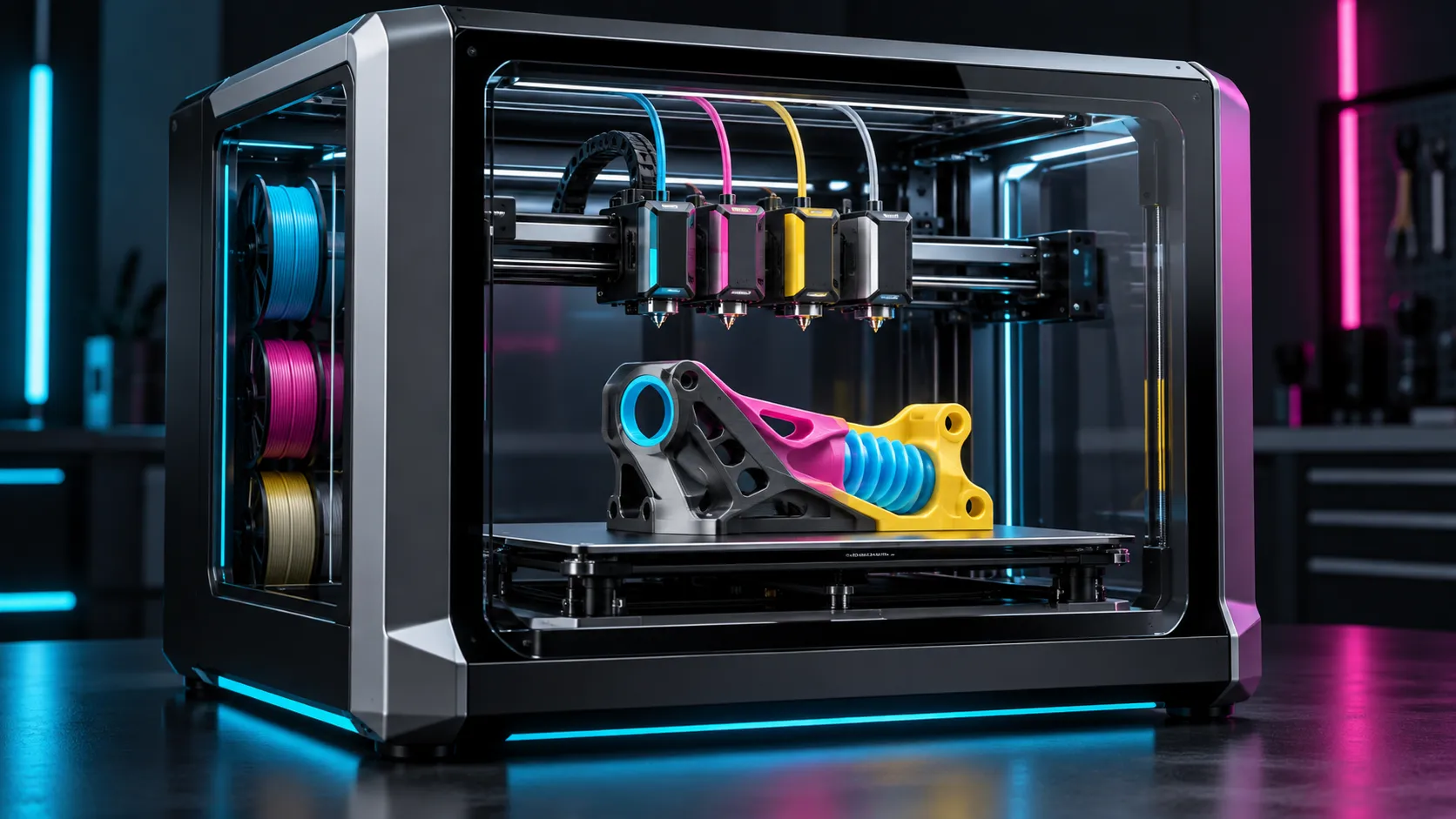
Creality K3 3D printer uses a 4-nozzle system built for multicolor work designed to replace slow filament swapping with fast, independent tool changes. Creality says its system can change nozzles in 4.8 seconds, reduce multicolor print time by up to 80% and cut filament waste by up to 85%. Those are ambitious lab claims, but the architecture is genuinely different from single-nozzle color systems.
Research-based preview, updated October 2026. Disclosure: This article contains affiliate links. If you buy through them, we may earn a commission at no extra cost to you. This is a specification-based preview; we have not physically tested the printer. See the Affiliate Disclosure.
Four nozzles change the multicolor workflow
Instead of repeatedly retracting and purging filament through one melt zone, the K3 keeps four materials loaded in four separate nozzles. The active tool moves into position while the others stay parked. That can remove much of the purge cycle that makes multicolor printing slow and wasteful, especially on models with hundreds of color changes.
The printer still needs a prime tower for pressure stability and alignment, so “almost zero waste” is more accurate than “zero waste.” Actual savings will depend on the model, number of tool changes, tower settings and material combination.
Mixed nozzle sizes are the clever feature
Creality says the K3 can combine 0.2, 0.4, 0.6 and 0.8 mm nozzles in one job. A fine nozzle could handle lettering or surface detail while a larger nozzle builds infill and broad walls faster. The printer ships with four 0.4 mm brass nozzles; the mixed-size workflow requires compatible replacement hardware and slicer support.
| Feature | Official claim | Practical meaning |
|---|---|---|
| Tool change | 4.8 seconds | Far less waiting than load-purge-retract systems |
| Time saving | Up to 80% | Most relevant to change-heavy multicolor models |
| Material saving | Up to 85% | Prime tower remains, but purge volume can fall sharply |
| Nozzle options | 0.2–0.8 mm | Detail and speed can coexist in one print |
TPU mixing could unlock functional multicolor parts
The K3 is not limited to rigid color changes. Creality lists PLA, PETG and TPU combinations, including 95A TPU in the standard configuration. Softer 85A and 90A TPU require optional accessories. That could enable grips, seals, hinges and impact pads printed directly onto a rigid body instead of assembled afterward.
Creality reports flow rates up to 15 mm³/s for 95A TPU in its lab. Flexible material remains sensitive to path geometry, retraction and moisture, so real-world speed will vary. Material compatibility also matters: two polymers can print in the same job yet bond poorly to one another.
Supports and full-color printing
Separate nozzles make soluble PVA or breakaway support more practical because the support material does not repeatedly contaminate the model nozzle. Creality also promotes CMYK-style color mixing workflows. The most useful early applications may be readable labels, soft-touch interfaces and support-heavy engineering prototypes rather than decorative color alone.
Sensors, software and open access
Creality lists 37 sensors and positioning repeatability below 25 microns for the tool system. Creality Print 7 or newer is the primary slicer, while the company also names OrcaSlicer compatibility and root access. That openness is encouraging, but mixed-nozzle profiles and complex material combinations will depend heavily on mature software presets.
How to evaluate the K3 before buying
Price the complete workflow
Include optional TPU accessories, mixed-size nozzles and replacement wear parts.
Check slicer support
Confirm that your intended materials and nozzle combination are supported in the current release.
Compare your real model
Count tool changes and estimate prime-tower volume instead of relying only on maximum savings claims.
Plan maintenance access
Four melt paths improve flexibility but also multiply nozzles, heaters and calibration points.
What remains unknown
- Final regional price and launch bundles
- Long-term nozzle alignment after repeated changes
- Maintenance time for four complete melt paths
- Slicer behavior on mixed nozzle diameters
- Real waste savings across ordinary models
These questions matter more than headline speed. A four-nozzle system only delivers its promise if calibration remains stable and replacements are affordable.
Buying checklist
Final regional pricing, bundles and accessory availability may change. Compare the complete configuration rather than the base printer alone.
Amazon links use tag filamentpicks-20. Use Polymaker code BALUTAVLAD for 15% off your first eligible filament order. Purchases may support FilamentPicks at no extra cost to you.
Frequently Asked Questions
Does Creality K3 produce zero purge waste?
No. Separate nozzles eliminate most color-change purging, but a prime tower and start-up material are still needed.
Can the K3 mix rigid filament and TPU?
Creality lists combinations such as PLA or PETG with 95A TPU. Softer 85A and 90A grades need optional accessories, and layer adhesion must be validated.
Can it use different nozzle sizes at once?
Yes, Creality describes workflows using 0.2, 0.4, 0.6 and 0.8 mm nozzles, with Creality Print coordinating the tools.
FilamentPicks Verdict
Creality K3 could make multicolor printing faster, cleaner and more functional, particularly when rigid and flexible materials share one part. The four-nozzle concept is compelling, but price, calibration stability and software maturity will determine whether it becomes a production tool or an expensive novelty.