

Bambu P2S TPU settings depend first on the type of flexible filament you load. Standard TPU 95A and softer grades should normally use the external spool path, while Bambu TPU for AMS is a different, stiffer formulation designed for supported AMS feeding. Treating those materials as interchangeable is one of the fastest ways to create jams, inconsistent extrusion, or a part that is much less flexible than expected.
This guide gives conservative starting points for a 0.4 mm nozzle, explains when to use the AMS 2 Pro or the external spool, and shows how to tune speed, temperature, flow, and retraction in the correct order.
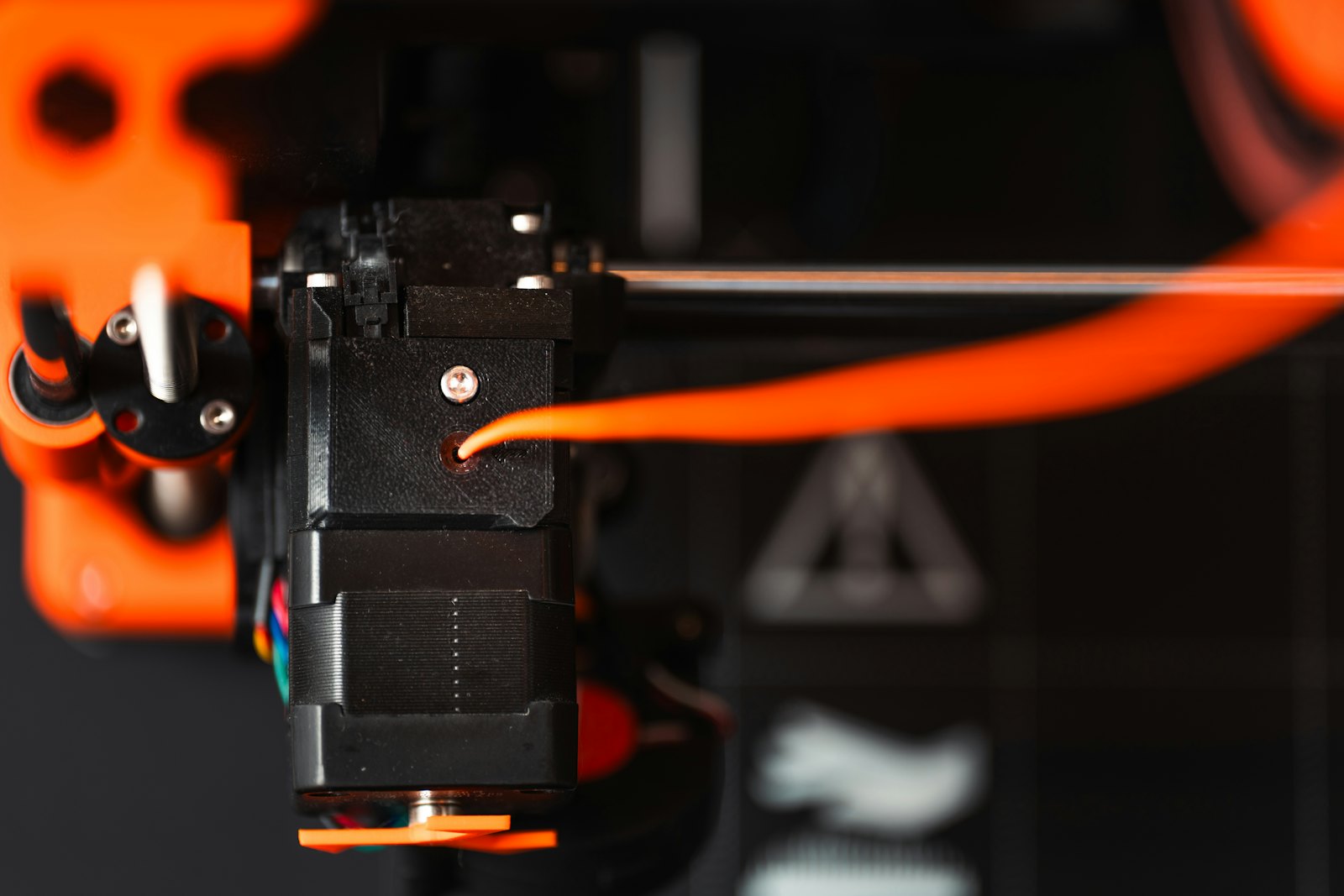
Quick Bambu P2S TPU settings
| Setting | TPU 95A / TPU 95A HF | TPU for AMS | Why it matters |
|---|---|---|---|
| Feed path | External spool | AMS 2 Pro or external spool | Soft filament can buckle when it is pushed through a long path |
| Nozzle | 220–240 °C | 220–240 °C | Begin with the exact Bambu Studio preset or spool maker range |
| Bed with glue | 30–35 °C | 30–35 °C | Glue can act as a release layer as well as an adhesion aid |
| Drying | 70 °C for 8 h | 70 °C for 8 h | Official Bambu conditions for these formulations |
| Humidity while printing | Below 20% RH | Below 20% RH | Moisture causes bubbles, stringing, and unstable flow |
| Max volumetric speed | Use the preset; 12 mm³/s is Bambu’s comparison value for 95A HF | Use the preset; 18 mm³/s is Bambu’s comparison value | Flow is a more useful limit than headline travel speed |
| Retraction | Keep the P2S preset initially | Keep the material preset initially | Drying and temperature should be corrected first |
| Part cooling | Use the material preset | Use the material preset | Too much cooling can weaken layer bonding |
These Bambu P2S TPU settings are a diagnostic baseline, not a universal profile. Shore hardness, pigment, brand, storage history, model geometry, and nozzle size all change the usable flow rate.
TPU 95A and TPU for AMS are not the same material
When choosing Bambu P2S TPU settings, TPU 95A HF is the better starting point when the part must bend, compress, or grip. Bambu publishes more than 650% elongation at break for the material and recommends printing below 200 mm/s. It is not listed as compatible with the original AMS or AMS lite, so the safe P2S workflow is the external spool holder and the shortest practical PTFE path.
TPU for AMS is designed to be pushed through an AMS. Bambu lists it as compatible with the AMS and publishes a higher comparison flow rate and printing speed. The trade-off is important: AMS compatibility comes from a significantly stiffer formulation. Choose it for abrasion-resistant, semi-flexible parts or multicolor work, not when you need the feel of conventional soft TPU.
For a broader material overview, read the Bambu Lab TPU printing guide. If you are still choosing a material, the filament compatibility checker helps separate printer, nozzle, and feeder requirements.
Step 1: choose the correct feed path
For standard TPU 95A, bypass the AMS 2 Pro and load from the external spool. Keep the spool able to rotate freely, remove tight bends in the PTFE tube, and avoid a path that asks the extruder to pull against unnecessary friction.
Use the AMS 2 Pro only when the filament manufacturer explicitly approves that exact product for AMS feeding. A generic label such as “high-speed TPU” does not establish AMS compatibility. If a spool is sold as TPU for AMS, update Bambu Studio and select its dedicated preset rather than renaming ordinary TPU.
Good Bambu P2S TPU settings cannot compensate for a soft strand buckling before it reaches the extruder. When loading fails repeatedly, inspect the feed path before increasing temperature or retraction.
Step 2: dry TPU before calibration
TPU is highly moisture-sensitive. A wet spool can hiss or pop, leave bubbles in the extrusion, create fuzzy stringing, and produce a surface that changes from one layer to the next. Those symptoms are often mistaken for excessive nozzle temperature.
Bambu specifies 70 °C for eight hours in a blast drying oven for both TPU 95A HF and TPU for AMS, followed by printing and storage below 20% relative humidity. Confirm that a third-party spool can safely tolerate the dryer temperature. Cardboard, glue, and plastic spool flanges do not all have the same heat limit.
After drying, print from a sealed dry box when possible. The AMS 2 Pro can dry supported spools, but drying capability does not automatically mean a soft TPU is compatible with the AMS feed mechanism.
Step 3: start with temperature, not retraction
The official Bambu range for TPU 95A HF and TPU for AMS is 220–240 °C. Start with the installed preset for the exact material. For an unknown third-party 95A spool, use the maker’s range and a small temperature tower rather than copying a random profile.
Raise nozzle temperature in 5 °C steps when extrusion becomes thin at faster sections, layers separate too easily, or the surface turns rough despite a dry spool. Lower it in 5 °C steps when the dry filament oozes heavily, small features lose definition, or bridges sag.
Do not exceed the manufacturer’s range just to chase speed. Reliable Bambu P2S TPU settings prioritize a stable melt and clean feed over a fast benchmark.
Step 4: limit flow before individual speeds
With Bambu P2S TPU settings, flexible filament compresses between the drive gears and the nozzle. When commanded flow is too high, the filament can deform in the path before the hotend shows obvious under-extrusion.
Bambu’s product comparison lists 12 mm³/s for TPU 95A HF and 18 mm³/s for TPU for AMS, with test speeds up to 147 and 238 mm/s respectively. Those are product-level comparison conditions, not promises for every P2S model. Begin with the official preset, then run a volumetric-flow test for the exact spool.
For a third-party conventional TPU, reduce maximum volumetric speed before editing every wall speed. Slow outer walls and small perimeters for surface quality; let Bambu Studio calculate the resulting motion from the flow ceiling.
Step 5: tune retraction last
Large retraction moves can stretch and compress TPU, delaying extrusion after travel and increasing the chance of a feed problem. Keep the stock P2S material preset at first.
If a dry spool still strings after temperature is sensible:
- Print a small two-tower test using the correct material preset.
- Reduce nozzle temperature by 5 °C if layer bonding remains strong.
- Check travel path and wipe behavior.
- Change retraction in very small increments.
- Repeat one variable at a time and save a spool-specific preset.
This order keeps Bambu P2S TPU settings explainable. Changing temperature, retraction, speed, and cooling together may produce a better print once, but it will not produce a reusable profile.
Step 6: design the part for the flexibility you want
Material choice is only half the result of Bambu P2S TPU settings. More wall loops and denser infill usually make a TPU part feel stiffer. Fewer walls, lower infill, and patterns that allow deformation make the same spool feel softer.
Use more walls around fasteners or wear surfaces, but do not assume 100% infill makes every functional part better. A flexible bumper, seal, grip, and protective foot need different structures. Test a small geometry with the real wall count and infill before committing to a long print.
Common Bambu P2S TPU settings problems
The filament will not load
Confirm whether the material is genuinely AMS-compatible. Route conventional TPU from the external spool, straighten tight PTFE bends, and make sure the spool turns without catching.
Stringing and fine hairs
Dry the spool first. Then lower temperature slightly within the manufacturer’s range and test a small retraction adjustment. Heavy stringing from wet TPU rarely disappears through retraction alone.
Gaps or delayed extrusion after travel
Return retraction toward the stock value, reduce volumetric flow, and inspect for friction in the feed path. Excessive retraction can deform soft filament and make pressure recovery inconsistent.
The part is too stiff
Check the material label before changing the printer. TPU for AMS is intentionally much stiffer than a conventional 95A TPU. Reduce wall loops or infill only after confirming the filament itself fits the intended application.
The part lifts or is difficult to remove
Clean the plate and use the plate-specific guidance in Bambu Studio. Bambu recommends glue with its TPU settings; on some surfaces the glue also acts as a release layer. Let the plate cool before removal.
Final Bambu P2S TPU settings checklist
- Choose conventional TPU for flexibility and TPU for AMS for supported automatic feeding.
- Use the external spool path for ordinary TPU 95A unless the exact product is approved for AMS.
- Dry at the filament maker’s specified temperature and keep the spool dry while printing.
- Start with the exact Bambu Studio material preset.
- Control speed with maximum volumetric flow.
- Correct moisture and temperature before retraction.
- Use small calibration parts and change one variable at a time.
- Save a separate preset for each formulation and brand.
Sources and methodology
The methodology for these Bambu P2S TPU settings uses primary sources. P2S hardware limits and the AMS 2 Pro configuration come from Bambu Lab’s official P2S introduction. Temperature, bed, drying, humidity, and speed figures come from Bambu Lab’s official TPU 95A HF product data, TPU for AMS product data, and filament guide. Editorial starting advice is deliberately conservative and should be validated against the exact spool and model.
FAQ
What are safe Bambu P2S TPU settings for a first print?
Use the exact material preset, an external spool for ordinary TPU 95A, the manufacturer’s 220–240 °C-style range where applicable, and the preset flow limit. Dry the spool before troubleshooting.
Can I print TPU 95A through the AMS 2 Pro?
Conventional TPU 95A and TPU 95A HF should normally bypass the AMS 2 Pro. Use the external spool unless the manufacturer explicitly certifies the exact product for AMS feeding.
Can I use TPU for AMS from the external spool?
Yes. AMS compatibility is an additional feeding option, not a requirement. The external path can still be useful for a short, simple feed route.
Why does dry TPU still string?
The nozzle may be too hot, the flow ceiling may be aggressive, or travel and retraction may need a small adjustment. Test those variables in that order after confirming the spool is dry.
Should the P2S door stay closed for TPU?
Begin with the stock P2S and material profile. TPU does not need a heated chamber; if chamber heat creates softening or feeding symptoms during a long job, follow Bambu’s printer guidance for ventilation rather than improvising a high chamber temperature.