

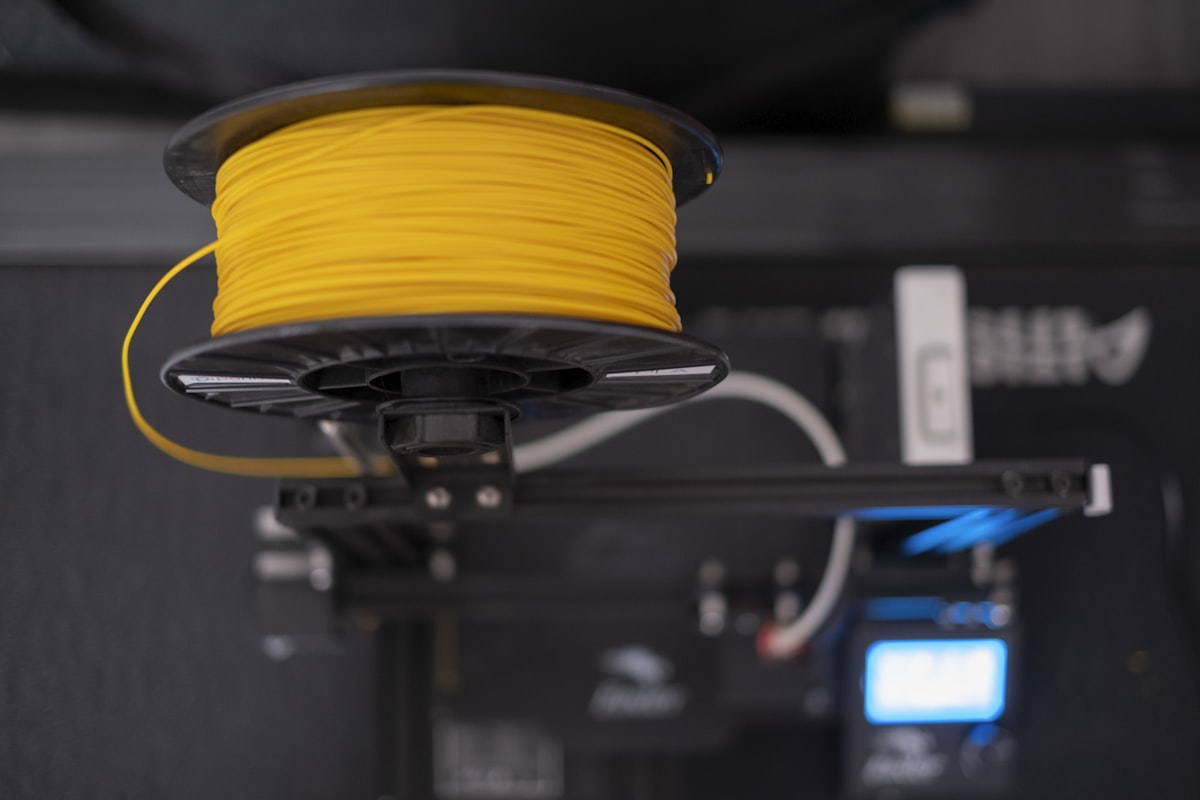
Finding the best filament for Bambu A1 Mini is the first question every A1 Mini owner faces — and the answer is different from other Bambu printers because the AMS Lite has its own compatibility rules. Not every spool fits the cradle, not every material feeds reliably, and the wrong choice wastes filament, clogs the system, or produces prints that look clean but fail under stress.
We’ve run the A1 Mini through hundreds of hours of testing across PLA, PETG, TPU, and specialty materials. This guide tells you exactly what works, what doesn’t, and why — with specific brand picks for every use case. Use this guide to find the best filament for Bambu A1 Mini for your specific printing needs.
Quick Answer: Best Filaments for Bambu A1 Mini
- Best PLA overall: Bambu Lab PLA Basic — RFID auto-settings, zero calibration, perfect AMS Lite compatibility
- Best third-party PLA: Polymaker PolyLite PLA — built-in Bambu Studio profile, excellent quality, 30% cheaper than Bambu
- Best PETG: Overture PETG — low stringing, AMS Lite compatible (with adapter), ideal for functional parts
- Best budget PLA: eSUN PLA+ — $18/kg, Bambu Studio preset available, reliable batch-to-batch consistency
- Avoid with AMS Lite: TPU (not compatible), ABS/ASA (needs enclosure), any cardboard spool without adapter
Understanding the Bambu A1 Mini AMS Lite Before You Buy Filament
The AMS Lite is not the same as the full Bambu AMS. It’s a simplified 4-spool system designed specifically for the A1 and A1 Mini, and it has specific constraints that affect which filaments you can use reliably.
AMS Lite Spool Compatibility Requirements
The AMS Lite requires spools with an inner diameter of 53–58mm and a width between 40–68mm. Most plastic spools from major brands (Polymaker, eSUN, Bambu) fall within these dimensions. Cardboard spools — commonly used by Overture and some Sunlu variants — can expand with humidity and jam the AMS Lite’s cradles. The fix is simple: print a free spool adapter ring from MakerWorld before loading any cardboard-spool filament.
What Materials the AMS Lite Supports
- PLA, PLA+, Matte PLA, Silk PLA: Full support, no issues
- PETG: Supported, but benefits from spool adapter for cardboard spools
- ABS / ASA: Not recommended — the A1 Mini is open-frame and cannot maintain the temperatures needed to prevent warping
- TPU: Not compatible with AMS Lite — use the external spool path instead (feed directly into the extruder)
- Carbon fiber composites: Only Bambu’s official PLA-CF and PETG-CF are supported; third-party CF filaments are not
Best PLA Filaments for Bambu A1 Mini
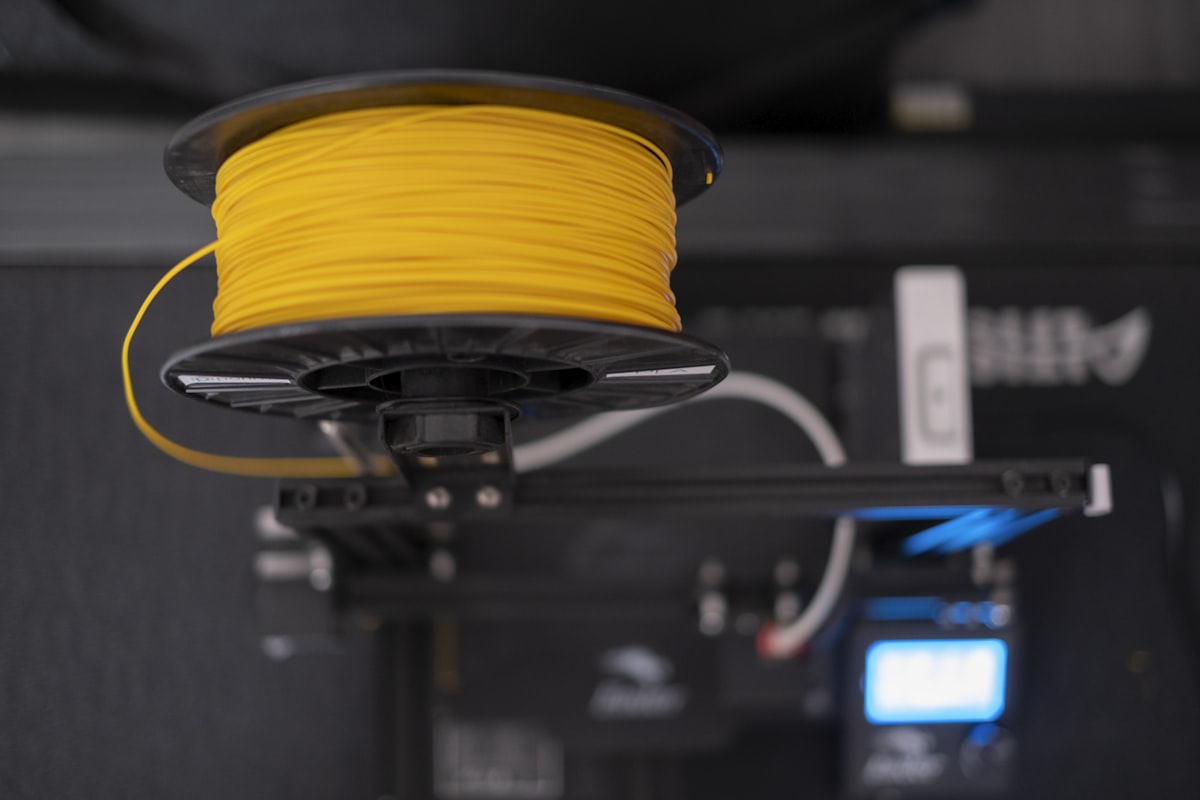
#1 Bambu Lab PLA Basic — Best Overall (Zero Friction)
If you want to print without thinking about settings, Bambu’s own PLA Basic is the answer. The RFID chip auto-loads the correct temperature, flow rate, and retraction values in Bambu Studio. You load the spool, click print, and it works — every time. It’s the easiest best filament for Bambu A1 Mini to start with, especially for newcomers.
The spool geometry is guaranteed to fit the AMS Lite. The filament is dried and vacuum-sealed at the factory. For beginners especially, this removes every variable that typically causes failed prints in the first weeks of ownership.
- Price: $24–28/kg
- AMS Lite: Perfect — RFID auto-detection
- Best for: Beginners, multicolor prints, anyone who doesn’t want to calibrate
- Downside: 30–40% more expensive than equivalent third-party PLA
#2 Polymaker PolyLite PLA — Best Third-Party PLA
Polymaker PolyLite PLA has a dedicated preset built directly into Bambu Studio — no generic profile guesswork needed. Select “Polymaker PolyLite PLA” from the dropdown and print. The quality is excellent: consistent diameter (±0.03mm), minimal stringing, and over 30 color options including matte and silk variants.
At $20–24/kg it represents a meaningful saving over Bambu’s own filament without requiring any extra setup. This is the pick for A1 Mini users who want to save money without sacrificing print quality. It ranks among the best filament for Bambu A1 Mini choices for budget-conscious users.
- Price: $20–24/kg
- AMS Lite: Yes — dedicated Bambu Studio preset
- Best for: Users stepping off Bambu filament, decorative and functional parts
- Downside: No RFID (manual profile selection required — but it’s one click)
#3 eSUN PLA+ — Best Budget Option
eSUN PLA+ has a dedicated preset in Bambu Studio and delivers excellent results on the A1 Mini for $16–20/kg. It’s slightly stronger than standard PLA, with better impact resistance and lower brittleness. Batch-to-batch consistency is among the best in its price range.
- Price: $16–20/kg
- AMS Lite: Yes — dedicated Bambu Studio preset
- Best for: High-volume printing, functional parts, cost-conscious users
- Downside: Fewer specialty colors than Polymaker
Best PETG Filaments for Bambu A1 Mini
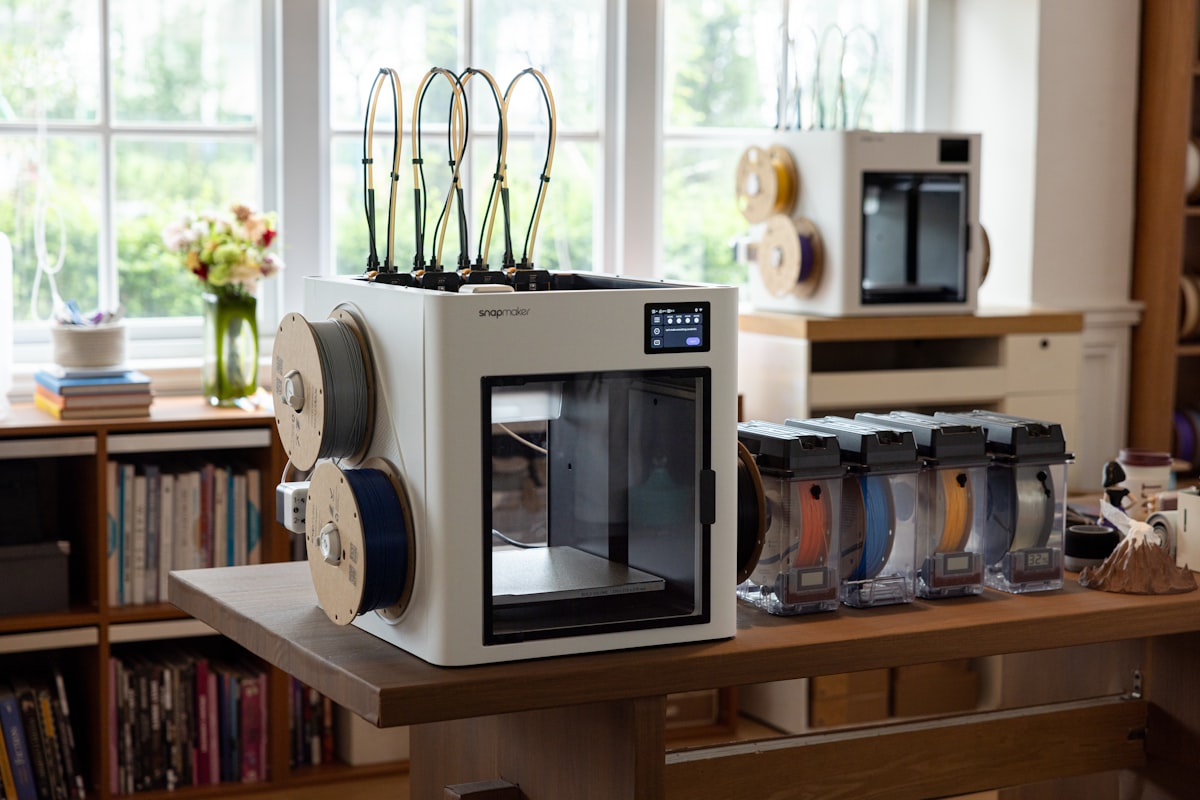
PETG on the A1 Mini requires slightly more care than PLA — it strings more, sticks to PEI surfaces aggressively, and benefits from a dry spool. But for functional parts that need strength and heat resistance above PLA’s limits, PETG is the right choice. When choosing the best filament for Bambu A1 Mini functional printing, PETG is the go-to upgrade from PLA.
#1 Overture PETG — Best for Functional Parts
Overture PETG is consistently the top recommendation for PETG on Bambu hardware. It produces low stringing out of the box, adheres reliably to the textured PEI plate, and prints cleanly on the generic PETG profile at 240°C nozzle, 80°C bed. Important: print the free Overture AMS adapter ring from MakerWorld before loading — cardboard spool edges can jam the AMS Lite cradle.
- Price: $18–22/kg
- AMS Lite: Yes (with printed spool adapter)
- Best for: Brackets, enclosures, outdoor parts, anything needing heat resistance above 60°C
- Downside: Cardboard spool requires adapter; use Generic PETG profile
#2 Bambu Lab PETG HF — Zero-Hassle Option
Bambu’s PETG HF has RFID auto-detection and is specifically tuned for the A1 Mini’s high-speed capabilities. If you’re printing PETG multi-color jobs through the AMS Lite, PETG HF eliminates every compatibility variable.
- Price: $24–30/kg
- AMS Lite: Perfect — RFID auto-detection
- Best for: Multi-color PETG prints, high-speed printing, zero-calibration workflow
Can You Print TPU on the Bambu A1 Mini?
Yes — but not through the AMS Lite. TPU’s flexibility causes jams in the AMS Lite’s filament path. Instead, feed TPU directly through the external spool path into the extruder. The A1 Mini’s direct-drive extruder handles TPU well at 220–235°C, 20–30mm/s. Recommended: Overture TPU 95A at $22–26/kg. This makes TPU one of the best filament for Bambu A1 Mini options when you need flexible prints.
Print Settings Quick Reference — Bambu A1 Mini
| Material | Nozzle | Bed | Speed | Profile |
|---|---|---|---|---|
| Bambu PLA Basic | 220°C | 55°C | Up to 300mm/s | Auto (RFID) |
| Polymaker PolyLite PLA | 210–220°C | 55°C | 150–250mm/s | Polymaker preset |
| eSUN PLA+ | 215–225°C | 55–60°C | 150–250mm/s | eSUN PLA+ preset |
| Overture PETG | 240°C | 80°C | 80–120mm/s | Generic PETG |
| Bambu PETG HF | 235–250°C | 70–80°C | 150–300mm/s | Auto (RFID) |
| TPU 95A (external) | 220–235°C | 35–45°C | 20–30mm/s | Generic TPU |
3 Things That Ruin A1 Mini Prints (And How to Avoid Them)
1. Wet filament
PETG absorbs moisture within days of being opened. Wet filament produces stringing, bubbling, and weak layers — problems that look like settings issues but aren’t. Dry PETG at 65°C for 4–6 hours before printing. Store all open spools in sealed containers with silica gel.
2. Dirty PEI plate
The textured PEI surface loses adhesion when contaminated with fingerprint oils. For full Bambu plate compatibility, see our Bambu Lab PETG Compatibility Guide. Wipe with 99% isopropyl alcohol before every print session. For PETG, avoid touching the print surface entirely — skin oils alone are enough to cause first-layer failures.
3. Skipping flow calibration on third-party filament
Bambu-branded filament with RFID is pre-calibrated. Third-party filament without a dedicated Bambu Studio preset needs a flow calibration run first. For detailed PETG troubleshooting, see our PETG Stringing guide. In Bambu Studio: Device → Calibration → Flow Rate Calibration. Takes 15 minutes and prevents most first-layer problems.
Frequently Asked Questions
What is the best filament for Bambu A1 Mini for beginners?
The best filament for Bambu A1 Mini for beginners is Bambu Lab PLA Basic — RFID auto-detection means zero configuration and zero calibration. Once comfortable with the printer, switch to Polymaker PolyLite PLA for the same quality at 30% less cost. No, you do not need Bambu-branded filament — any brand fitting AMS Lite spool dimensions (inner diameter 53–58mm, width 40–68mm) works fine.
Can the A1 Mini print ABS?
Technically yes, but not reliably. The A1 Mini is open-frame and cannot maintain the ambient temperature ABS needs to prevent warping. Use ASA or PETG instead — they offer better heat resistance than PLA without the warping risk of ABS.
What is the best filament for multicolor printing on the A1 Mini?
Bambu Lab PLA Basic across all 4 AMS Lite slots is the easiest path — RFID auto-detection means each color loads with correct settings automatically. For budget multicolor printing, Polymaker PolyLite PLA in multiple colors works excellently with the dedicated Bambu Studio preset.
How much filament does the AMS Lite waste during color changes?
Real-world testing shows a 51g multicolor print can generate up to 98g of purge waste — nearly double the model weight. Reduce this by enabling “Flush Into Object” in Bambu Studio for non-visible areas, and by batching multiple identical parts on the same plate.
Where to Buy
- 👉 Check Price on Amazon — Bambu Lab PLA Basic
- 👉 Check Price on Amazon — Polymaker PolyLite PLA
- 👉 Check Price on Amazon — eSUN PLA+
- 👉 Check Price on Amazon — Overture PETG
- 👉 Check Price on Amazon — Bambu Lab PETG HF
- 👉 Check Price on Amazon — Overture TPU 95A
Final Verdict
Start with Bambu PLA Basic to learn the machine with zero variables, then switch to Polymaker PolyLite PLA once you’re comfortable — identical quality, 30% cheaper. Add Overture PETG for functional parts that need heat resistance, remembering to print the spool adapter first. Keep a filament dryer in the setup from day one — the A1 Mini is fast enough that wet filament quickly becomes the main bottleneck. This combination gives you the best filament for Bambu A1 Mini that covers every use case without overcomplicating your setup.
FilamentPicks is reader-supported. When you buy through links on our site, we may earn a small commission at no cost to you. We only recommend products we have researched or thoroughly researched.