

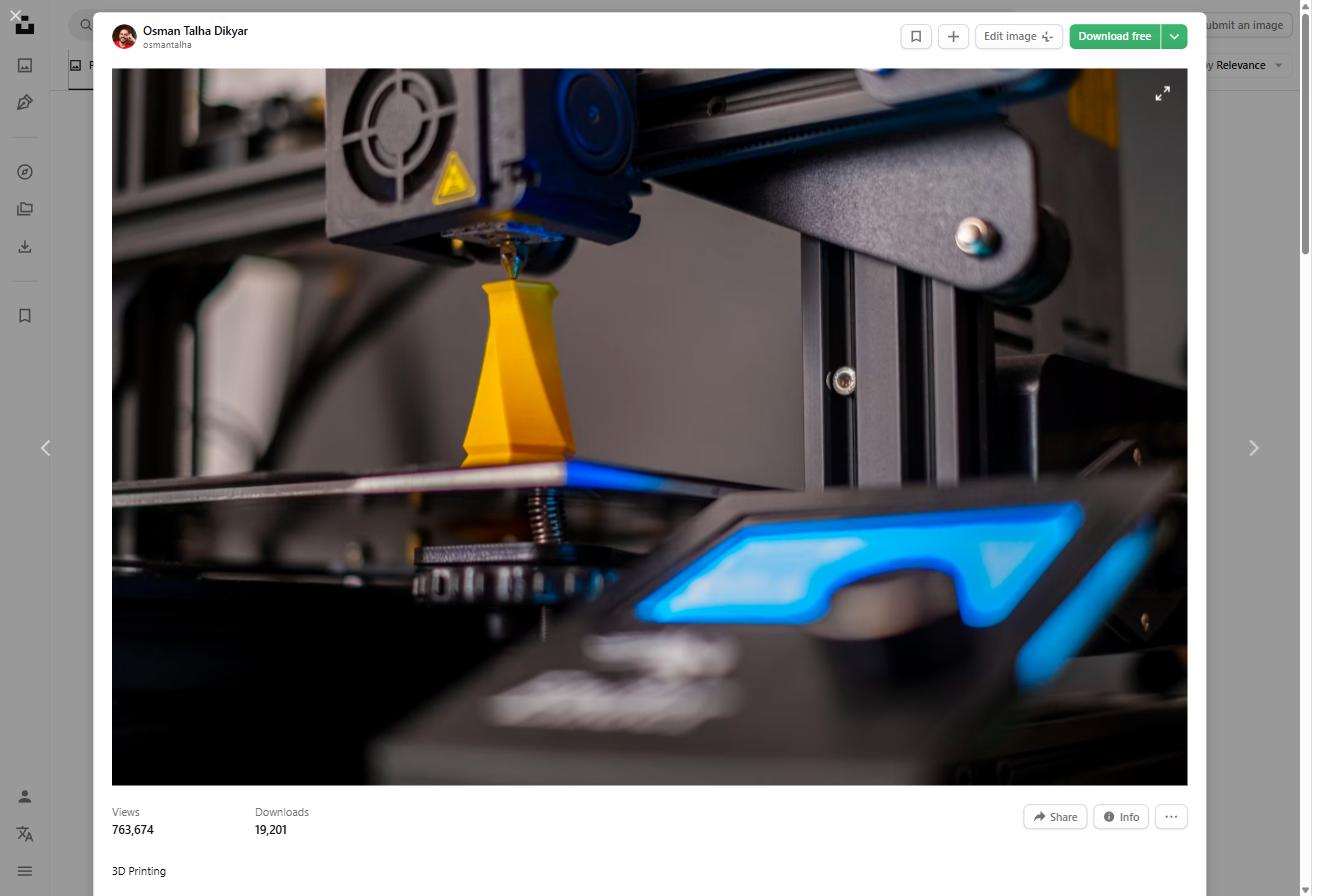
Understanding Bambu Lab PETG compatibility is essential before you start printing — because while PETG works beautifully on Bambu Lab machines, things can go sideways fast if you don’t have the right settings. PETG is one of the most popular filaments in the 3D printing community: it combines the ease of printing PLA with the temperature resistance and durability of ABS.
Product Update — June 2026
Bambu Lab PETG HF has been discontinued. Bambu relaunched PETG Basic in March 2026 with a reformulated compound designed to reduce moisture sensitivity and stringing. If you’re currently using PETG HF settings, note that PETG Basic is not a direct drop-in — recalibrate your speed and temperature profiles. Stock of PETG HF may still be available from third-party sellers while supplies last.
The good news: Bambu Lab machines are some of the best printers for PETG available right now. The built-in profiles in Bambu Studio give you a solid starting point, and the textured PEI build plate is practically made for this material.
In this Bambu Lab PETG compatibility guide, we’ll cover exactly which Bambu Lab printer models support PETG, the right build plate to use, which Bambu Studio settings actually matter, and how to fix the most common PETG problems — including the dreaded stringing.
Quick note: This guide covers both standard PETG and Bambu’s newer PETG HF (High Flow) filament, where settings differ significantly.
Which Bambu Lab Printers Are Compatible with PETG?
The short answer: all of them. Every current Bambu Lab printer can handle PETG out of the box, and Bambu Studio includes a built-in PETG profile for each model. Here’s how they compare:
| Printer | Max Speed | PETG Profile | Best Build Plate | Notes |
|---|---|---|---|---|
| Bambu Lab A1 | 500 mm/s | Built-in ✅ | Textured PEI | Great entry-level PETG printer |
| Bambu Lab A1 Mini | 500 mm/s | Built-in ✅ | Textured PEI | Smaller bed; still excellent for PETG |
| Bambu Lab P1P | 500 mm/s | Built-in ✅ | Textured PEI | Open frame; add enclosure for best results |
| Bambu Lab P1S | 500 mm/s | Built-in ✅ | Textured PEI | Enclosed; most consistent PETG results |
| Bambu Lab X1C | 500 mm/s | Built-in ✅ | Textured PEI | Top-tier; Lidar calibration helps PETG |
A few things worth noting:
- The P1P has an open frame design, which means ambient temperature can affect PETG prints. If you’re printing functional parts that need consistent layer bonding, the P1S or X1C (both enclosed) will give you better results.
- The A1 Mini has a smaller build volume (180 × 180 × 180 mm), but it handles PETG just as well as its larger siblings. It’s a great entry point if you’re newer to PETG printing.
- The X1C’s Lidar sensor can detect first-layer issues in real time, which is helpful when dialing in PETG bed adhesion.
Bambu Lab PETG Compatibility: Choosing the Right Build Plate
This is where most beginners run into trouble. PETG is notorious for sticking too well to certain surfaces — and by ‘too well,’ we mean it can rip chunks off your build plate if you’re using the wrong one.
| Build Plate | PETG Adhesion | Release | Verdict |
|---|---|---|---|
| Textured PEI | Excellent | Easy, no glue needed | ✅ Best choice |
| Smooth PEI (Cool Plate) | Too strong | Needs glue stick barrier | ⚠️ Use with caution |
| High Temp Plate | Good | Easy release | ✅ Works well |
| Engineering Plate | Moderate | Fine | ⚠️ Not optimized for PETG |
Textured PEI Plate — The Right Choice for PETG
The Textured PEI plate (also called the Engineering Plate in some Bambu documentation) is your default choice for PETG. The textured surface gives PETG enough grip to print successfully, but the release is still manageable when the plate cools down. No glue stick needed.
Pro tip: Always let the plate cool to room temperature before removing PETG parts. Trying to flex the plate while it’s still warm can cause parts to stick more, not less.
Smooth PEI (Cool Plate) — Use With Caution
PETG has a strong chemical affinity for PEI. On a smooth PEI surface, this bond can become so strong that you risk tearing the coating off the plate when removing parts. If you must use the smooth plate, apply a thin, even layer of glue stick (standard Pritt or Elmer’s works fine) as a release agent. Wipe it down and reapply every few prints.
Bambu Studio Settings for PETG: What Actually Matters
Bambu Studio’s built-in PETG profiles are a solid starting point for your Bambu Lab PETG compatibility setup. But understanding what each setting does — and when to adjust it — will save you hours of failed prints.
| Setting | Standard PETG | PETG HF | Why It Matters |
|---|---|---|---|
| Nozzle Temp | 250–260°C | 260–265°C | HF needs more heat to flow fast |
| Bed Temp | 70°C | 70–75°C | Consistent adhesion without warping |
| Print Speed | 100–150 mm/s | Up to 300 mm/s | HF is engineered for high speed |
| Max Volumetric Speed | 8–10 mm³/s | 20–24 mm³/s | Key limiter for PETG quality |
| Fan Speed | 30–50% | 20–40% | Too much cooling causes layer splits |
| Retraction | 0.4–0.8 mm | 0.3–0.6 mm | Reduce for HF to avoid grinding |
| Z Offset | Slightly higher | Standard | PETG needs a touch more gap from bed |
Nozzle Temperature: 250–260°C for Standard, 260–265°C for HF
Standard PETG melts cleanly between 250–260°C on most Bambu Lab machines. If you see rough layer lines or poor layer bonding, try bumping the nozzle up by 5°C. If you’re getting stringing, drop 5°C first before adjusting retraction.
Bambu PETG HF (High Flow) needs a higher temperature range — typically 260–265°C — to achieve the viscosity needed for high-speed printing. Running it at standard PETG temps will result in under-extrusion.
Max Volumetric Speed: The Real Speed Limiter
Bambu Lab printers are advertised as printing at up to 500 mm/s. But speed alone doesn’t determine how fast your printer actually extrudes — volumetric speed does. Think of it as the rate at which molten plastic is pushed through the nozzle, measured in mm³/s.
For standard PETG, keep max volumetric speed at 8–10 mm³/s. Pushing it higher creates gaps and rough surfaces because the filament can’t melt fast enough.
With PETG HF, you can safely run 20–24 mm³/s — this is what makes it genuinely faster to print, not just the speed setting.
Cooling Fan: Less Is More with PETG
PETG doesn’t like aggressive cooling. Too much airflow causes layer delamination — where individual layers separate, creating a weak, brittle part. The built-in Bambu profiles usually set the fan between 30–50%, which is the right ballpark for most prints.
If you’re printing tall, thin parts or anything with small cross-sections, you can push the fan a little higher (60–70%) to prevent heat creep. For large structural prints, keep it at 30% or lower.
Retraction: Short and Slow
PETG is a stringy material by nature. The temptation is to crank up retraction distance to eliminate strings — but this usually makes things worse. Over-retraction with PETG causes grinding on the filament and can introduce air gaps in the print.
- Standard PETG: 0.4–0.8 mm retraction distance at 30–40 mm/s
- PETG HF: 0.3–0.6 mm — even less retraction needed
- If stringing persists, lower your nozzle temperature before increasing retraction
PETG on Bambu Lab: Common Problems and Fixes
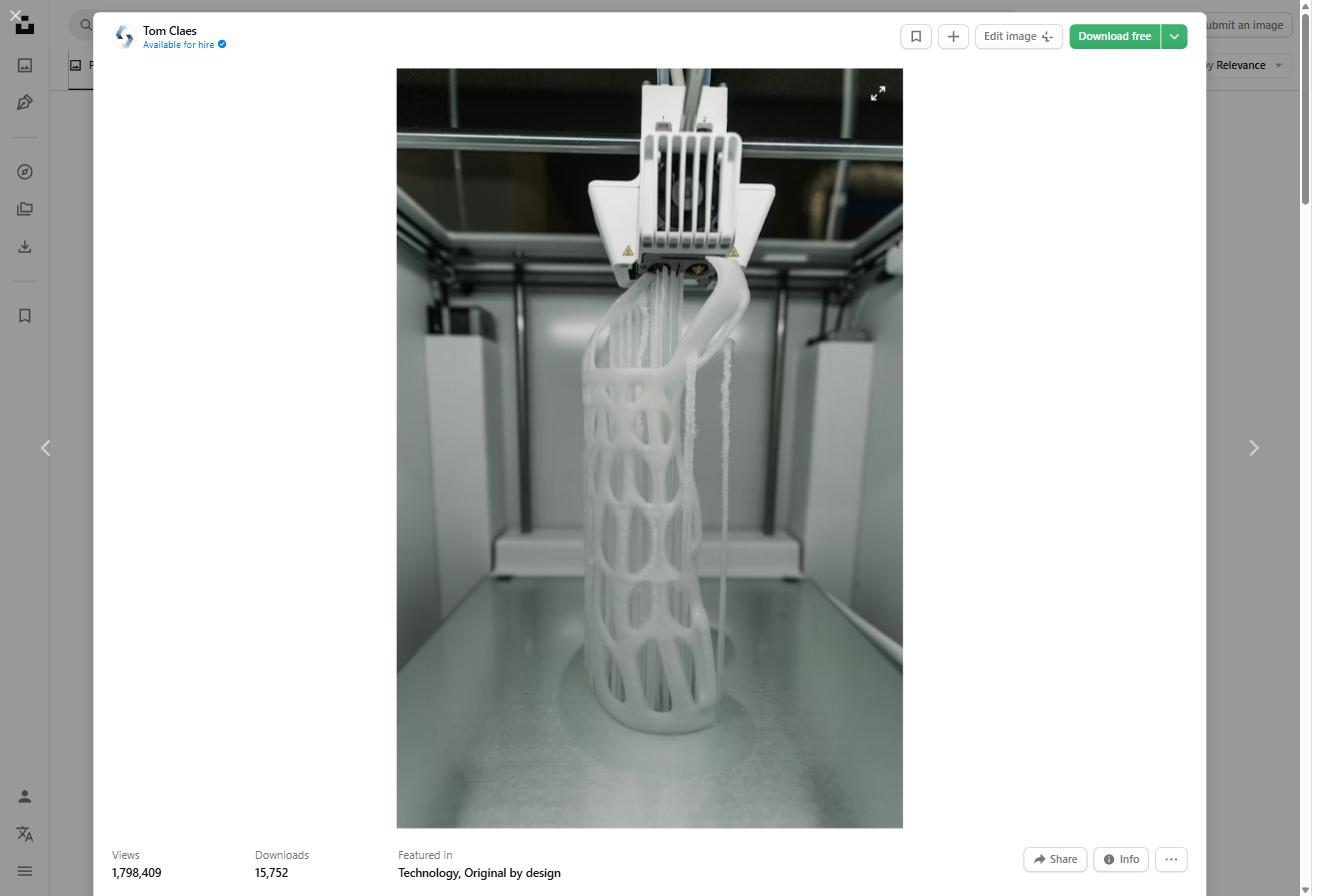
Even with the right Bambu Lab PETG compatibility settings, PETG can be tricky. Here’s a quick reference for the issues you’re most likely to encounter:
| Problem | Likely Cause | Fix |
|---|---|---|
| Stringing | Temp too high / retraction low | Lower temp to 250°C, increase retraction slightly |
| Parts won’t release | PETG fused to smooth plate | Apply glue stick; switch to textured PEI |
| Layer splits | Too much cooling fan | Reduce fan to 30% or less |
| Poor bed adhesion | Bed too cold / dirty | Clean with IPA, set bed to 70°C |
| Rough surface finish | Speed too high for standard PETG | Lower volumetric speed to 8 mm³/s |
| Grinding/clicking | Retraction too aggressive | Reduce retraction distance by 0.2 mm |
The #1 Issue: PETG Fusing to the Build Plate
This is by far the most common Bambu Lab PETG compatibility issue for new users. If your parts are impossible to remove without force, the solution is almost always one of these:
- Switch to the Textured PEI plate if you’re not already using it
- Apply a thin layer of glue stick if you’re on the Smooth PEI / Cool Plate
- Let the plate cool completely before attempting removal
- Slightly increase your Z offset — PETG needs a tiny bit more gap from the bed than PLA
PETG vs PETG HF: Which Should You Use on Bambu Lab?
Bambu Lab released their own PETG HF (High Flow) filament as part of their Bambu Lab PETG compatibility ecosystem, specifically engineered for high-speed printing. So is it worth it over standard PETG brands like Polymaker or Overture?
It depends on what you’re printing. Use standard PETG (Polymaker PolyLite, Overture, Hatchbox) when you need a wide color selection, proven quality, or lower cost per spool. Standard PETG prints beautifully on Bambu Lab machines — you just need to keep volumetric speed under 10 mm³/s.
Use PETG HF when print speed is your priority and you’re okay with paying more per spool. PETG HF can genuinely print at 2–3x the speed of standard PETG without sacrificing surface quality. For high-volume production or time-sensitive projects, the upgrade makes sense.
Related reading: See our full Polymaker PETG vs Bambu PETG HF comparison for a detailed side-by-side breakdown.
Recommended Accessories for PETG Printing on Bambu Lab
A few accessories that make PETG printing significantly easier:
- Textured PEI Build Plate — if you don’t have one already, this is the single best upgrade for PETG printing on any Bambu Lab printer. → Check price on Amazon
- Isopropyl Alcohol (IPA) 99% — clean your build plate with IPA before every print session. Oil from your fingers dramatically reduces PETG adhesion. → Check price on Amazon
- Glue Stick (Pritt or Elmer’s) — keep one on hand if you ever need to use the smooth plate. A thin layer acts as a release agent. → Check price on Amazon
- Dry Box or Sealed Container with Desiccant — PETG is moderately hygroscopic. If you notice bubbling, popping sounds during printing, or rough surfaces, your filament is wet. Store spools in an airtight container with silica gel packets. → Check price on Amazon
Final Thoughts
Bambu Lab printers and PETG are an excellent combination — and Bambu Lab PETG compatibility is straightforward once you understand the key differences from PLA printing. The most important rules:
- Always use the Textured PEI plate for PETG
- Keep max volumetric speed at 8–10 mm³/s for standard PETG
- Don’t over-cool — 30–50% fan speed is plenty
- If parts won’t release, let the plate cool completely before removing them
- For high-speed printing, upgrade to PETG HF and reconfigure your volumetric speed settings
Now that you’ve mastered Bambu Lab PETG compatibility, the next question is usually: which PETG brand is best? Check out our Best PETG Filament for Bambu Lab guide where we’ve tested 7 popular PETG brands and ranked them by print quality, ease of use, and value.